Top 12 Coloring Apps With No Ads for Adults & Kids
Coloring has evolved from simple crayons on paper to digital canvases that fit in your pocket, offering a quick escape for busy minds or playful exploration for little ones. Yet, the joy often gets hijacked by relentless ads — pop-ups mid-stroke, video interruptions during a serene mandala fill, or banners cluttering your palette. In 2025, with mindfulness apps booming and parents prioritizing screen safety, finding a coloring app with no ads has become essential. These tools let you dive into intricate designs or fun shapes without distractions, turning downtime into pure creativity. Whether you’re unwinding after a long day or guiding a child’s first artistic steps, this guide highlights top picks that keep the focus on color and calm.
Why Choose Coloring Apps With No Ads?
Ads in coloring apps shatter the meditative flow that’s core to the activity. For adults seeking anti-stress relief through detailed patterns, a sudden promo can spike frustration instead of easing it. In kids’ apps, it’s even worse. Ads might lead to accidental clicks on inappropriate content or in-app purchases, turning playtime into a parental headache. Plus, those trackers embedded in banners collect data, compromising privacy in what should be a safe space.
Going ad-free brings clear wins: uninterrupted sessions boost focus and relaxation, safer environments protect young users from hidden risks, and premium features often unlock richer tools like custom palettes or offline access. No more waiting for timers or dodging banners — just seamless, secure creativity that enhances the experience for all ages.
6 Best Adult Coloring Apps Without Ads
Adults turn to coloring for mindfulness, with apps offering complex designs like florals or abstracts to melt away stress. The best ones eliminate ads via premium models, ensuring a tranquil, ad-free zone. Here are six standout options for 2025, each with robust features and no distractions in their core experience.
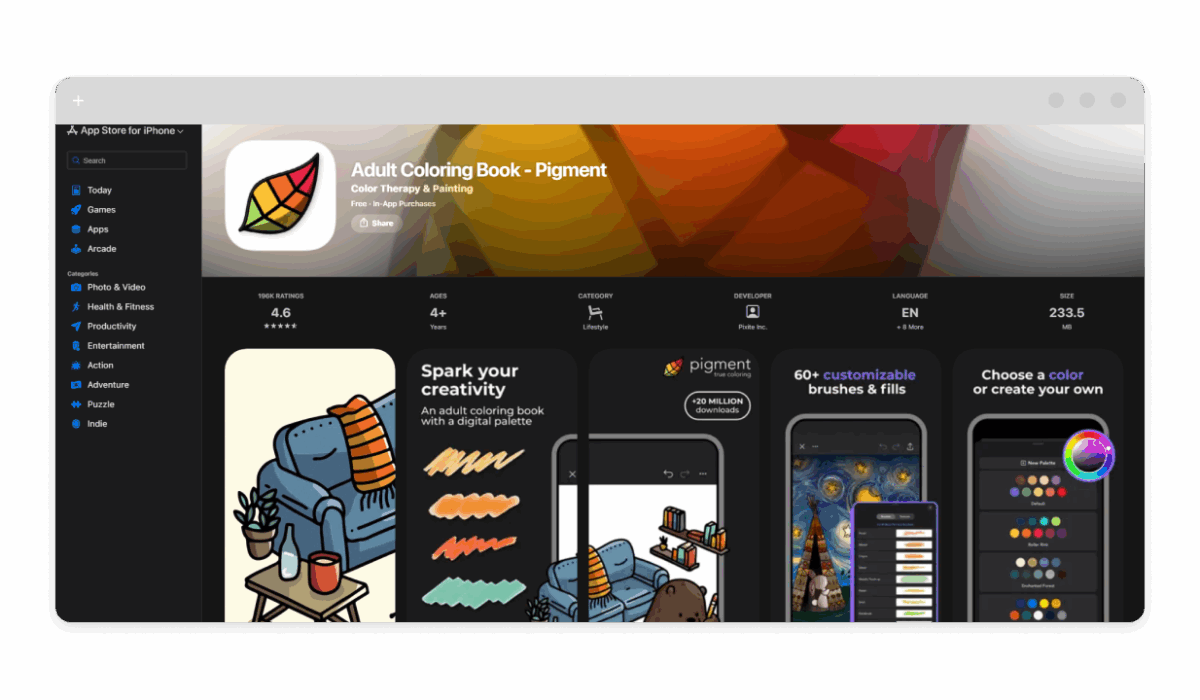
Pigment – Adult Coloring Book
- Platform: iOS and Android
- Links: App Store, Google Play
- Ad-Free Status: Premium subscription ($4.99/week or $59.99/year) removes all ads; free version has limited access with ads.
- Main Functions: Over 6,000 illustrations, realistic brushes (pencil, marker, watercolor), color blending, import your own images.
- Art Types: Mandalas, abstracts, flowers, animals, portraits, grayscale for shading practice.
- Why for Adults: Detailed, therapeutic designs promote relaxation; adjustable tools mimic real art for a sophisticated anti-stress session.
- Pros: Vast library, community sharing, Apple Pencil support. Cons: Subscription-heavy for full access; free tier limited.
- This app shines for its immersive, distraction-free premium mode, letting you focus on intricate adult-themed designs without pop-ups ruining the zen.
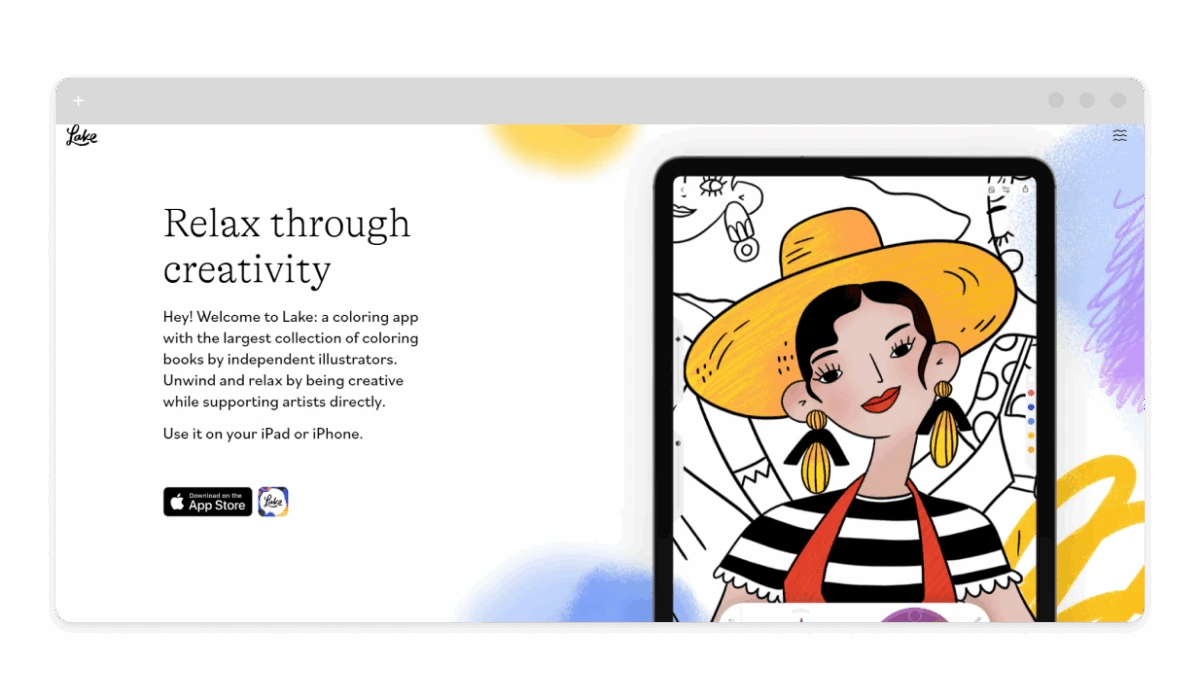
Lake: Coloring Book for Adults
- Platform: Primarily iOS; Android version available but limited.
- Links: App Store, Google Play (check for updates)
- Ad-Free Status: Subscription ($9.99/month or $49.99/year) for ad-free; free trials include no ads during period.
- Main Functions: Artist-curated books, journaling integration, custom color wheels, progress tracking.
- Art Types: Abstracts, mandalas, nature scenes, whimsical illustrations.
- Why for Adults: Curated by independent artists for a mindful, creative outlet; journaling adds personal reflection.
- Pros: Unique artwork, offline downloads, iPad-optimized. Cons: Subscription required for most content; Android support lagging.
- Lake’s ad-free subscription creates a peaceful haven, ideal for adults craving high-quality, uninterrupted coloring to unwind.
Colorfy: Coloring Book Games

- Platform: iOS and Android
- Links: App Store, Google Play
- Ad-Free Status: Premium subscription ($9.99/week or $39.99/year) eliminates ads; free with ads.
- Main Functions: Tap-to-fill or freehand modes, daily new images, shareable creations.
- Art Types: Mandalas, flowers, animals, patterns, thematic collections.
- Why for Adults: Simple yet engaging for quick relaxation; vibrant palettes aid stress relief without complexity.
- Pros: Frequent updates, easy interface. Cons: Premium pricey for basics; free version ad-heavy.
- With premium, Colorfy delivers a clean, ad-free canvas, perfect for adults seeking hassle-free therapeutic sessions.
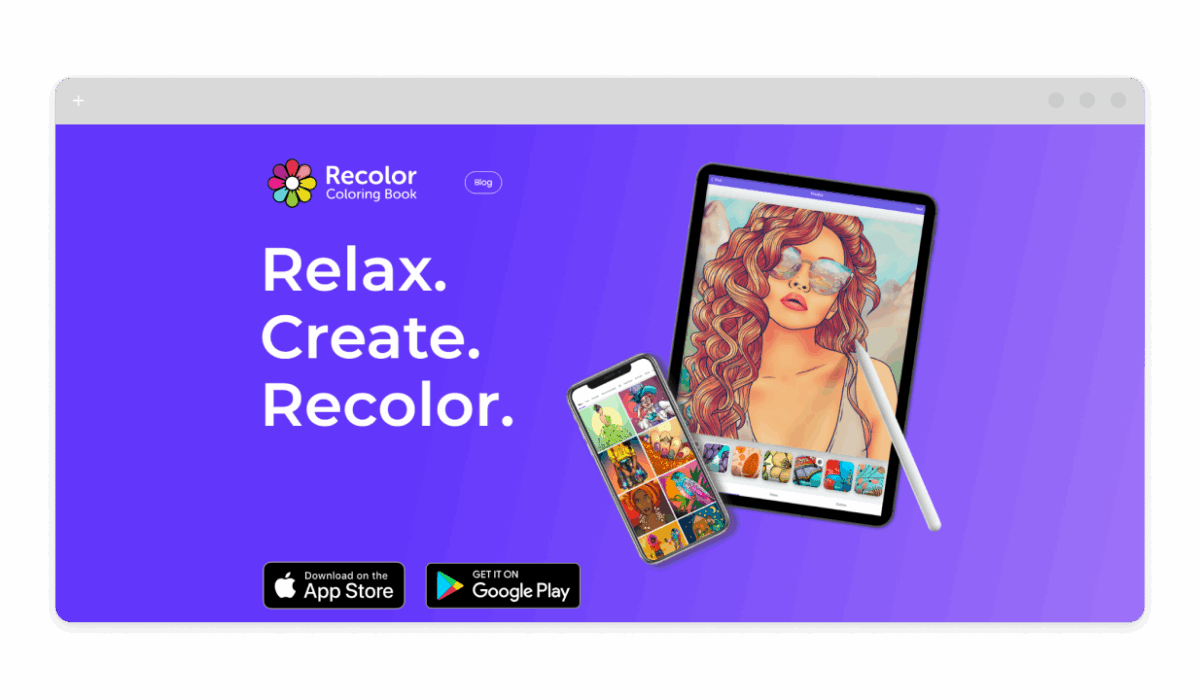
Recolor: Adult Coloring Book
- Platform: iOS and Android
- Links: App Store, Google Play
- Ad-Free Status: Premium ($9.99/week or $59.99/year) for no ads; free trial available.
- Main Functions: 5,000+ images, effects/filters, community gallery.
- Art Types: Abstracts, mandalas, animals, fantasy scenes.
- Why for Adults: Diverse themes for emotional expression; filters add artistic depth.
- Pros: Large selection, social features. Cons: Subscription-focused; some designs repetitive.
- Recolor’s premium mode ensures an ad-free, immersive experience, tailored for adult relaxation.
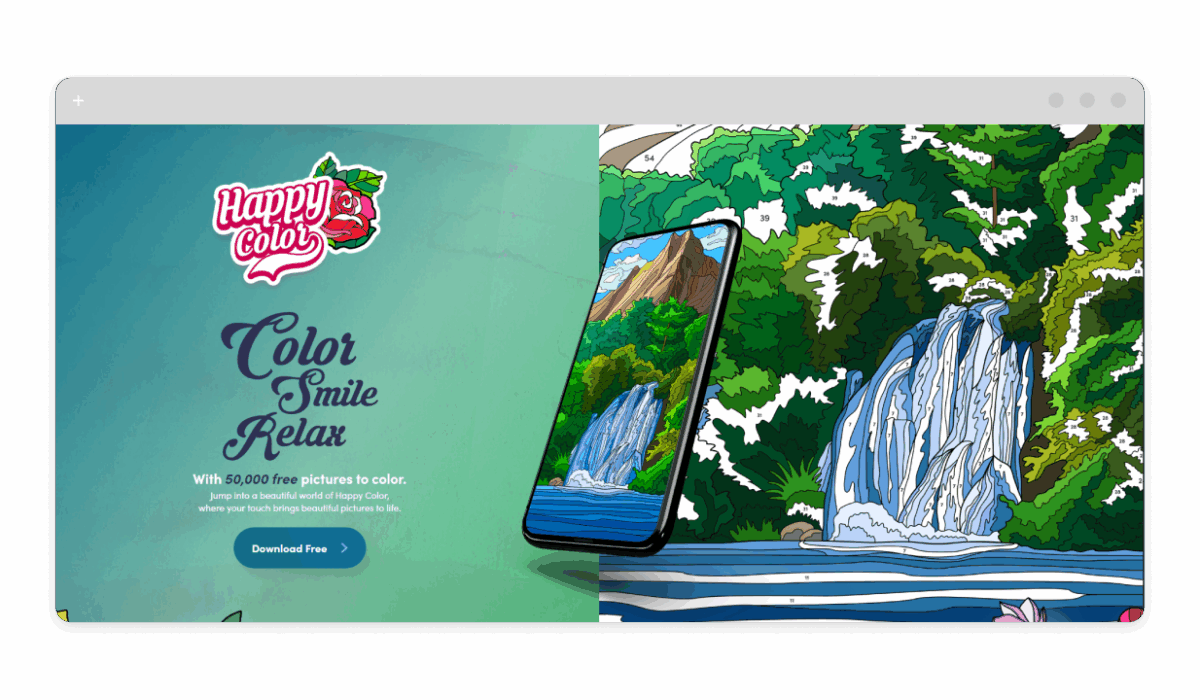
Happy Color: Color by Number
- Platform: iOS and Android
- Links: App Store, Google Play
- Ad-Free Status: No Ads purchase ($4.99 one-time or via premium sub $9.99/month).
- Main Functions: Color-by-number puzzles, daily challenges, share animations.
- Art Types: Animals, flowers, mandalas, Disney-themed (premium).
- Why for Adults: Structured yet calming; number guides reduce decision fatigue.
- Pros: Vast free content, easy entry. Cons: Pixel-style less artistic; one-time ad removal separate.
- Happy Color’s ad-free upgrade keeps the flow uninterrupted, ideal for adults wanting simple stress relief.
Color Therapy: Coloring Number
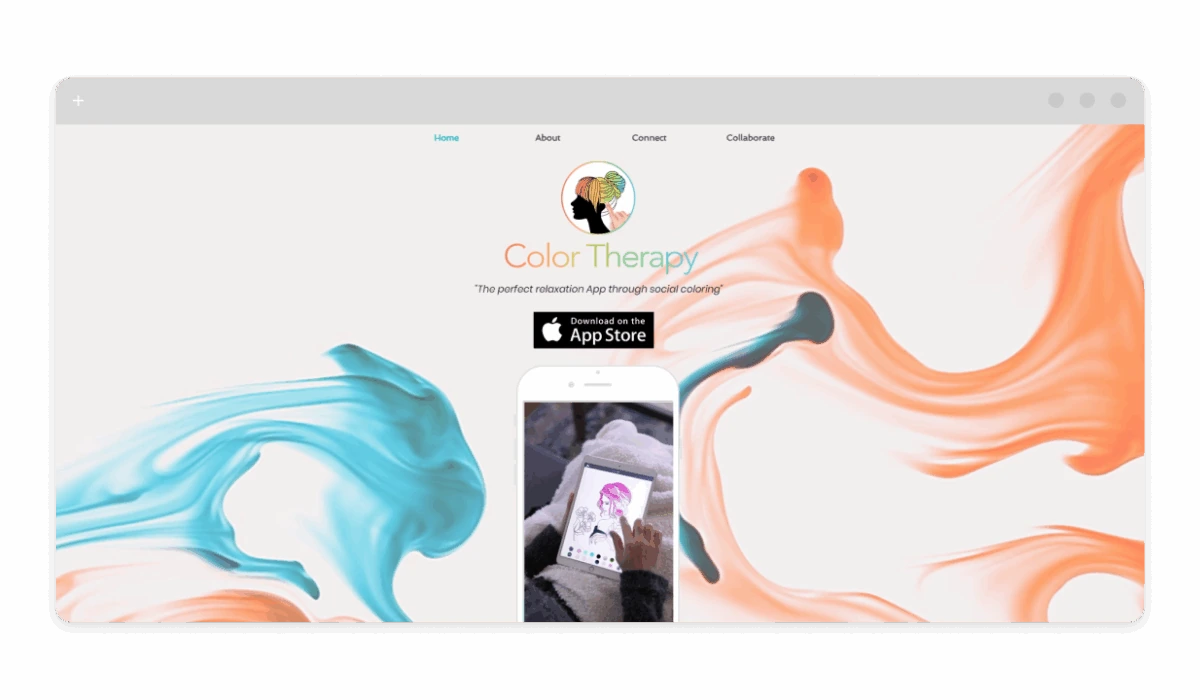
- Platform: iOS and Android
- Links: App Store, Google Play
- Ad-Free Status: Premium sub ($4.99/week or $39.99/year) removes ads.
- Main Functions: Social coloring, custom palettes, import photos.
- Art Types: Mandalas, abstracts, quotes, themed packs.
- Why for Adults: Community aspect adds inspiration; therapy-focused designs promote mindfulness.
- Pros: Collaborative features, frequent events. Cons: Social requires account; premium essential.
- This app’s ad-free premium fosters a serene, connected coloring space for adult users.
6 Best Coloring Apps With No Ads for Kids
For kids, coloring apps should spark imagination safely, with simple interfaces and no hidden dangers. These six emphasize ad-free play, educational elements, and parental controls, making them reliable choices for young artists.
Tayasui Coloring Book

- Platform: iOS (main); Android via Sketches app.
- Links: App Store, Google Play (related)
- Ad-Free Status: Fully ad-free; one-time purchase for extras ($1.99).
- Safety: No ads, no social links, offline mode.
- Content Types: Animals, shapes, scenes; simple, colorful designs.
- Age: 3+
- Why Safe for Kids: Intuitive tools, no in-app traps; focuses on fun learning.
- Pros: Realistic brushes, endless canvas. Cons: Limited free pages; iOS-focused.
- Tayasui offers a secure, ad-free playground for toddlers to explore colors freely.
Kids Doodle 2 – Color & Draw
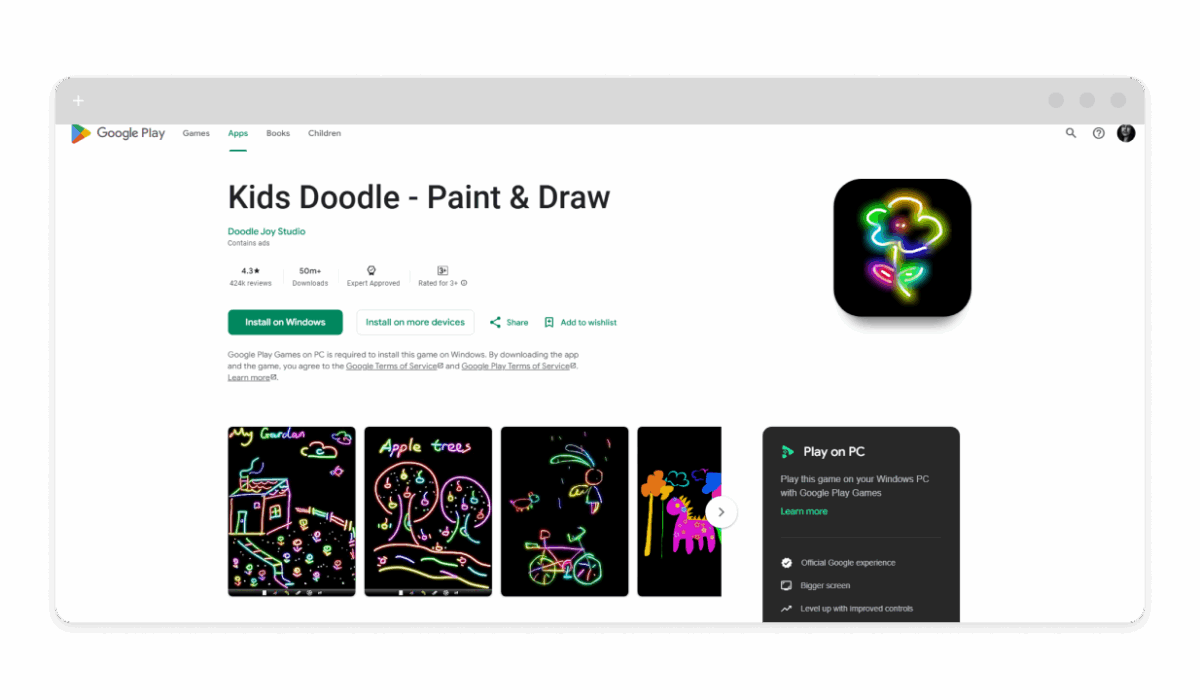
- Platform: Android (main); iOS similar.
- Links: Google Play, (search for similar apps on App Store)
- Ad-Free Status: In-app purchase ($0.99) for no ads.
- Safety: No external links, simple controls.
- Content Types: Free draw, neon effects, shapes.
- Age: 3+
- Why Safe for Kids: Glow brushes encourage creativity without complexity.
- Pros: 24 brushes, photo backgrounds. Cons: Basic; ad removal needed.
- This app’s ad-free upgrade creates a distraction-free drawing space for young kids.
Coloring Games for Kids
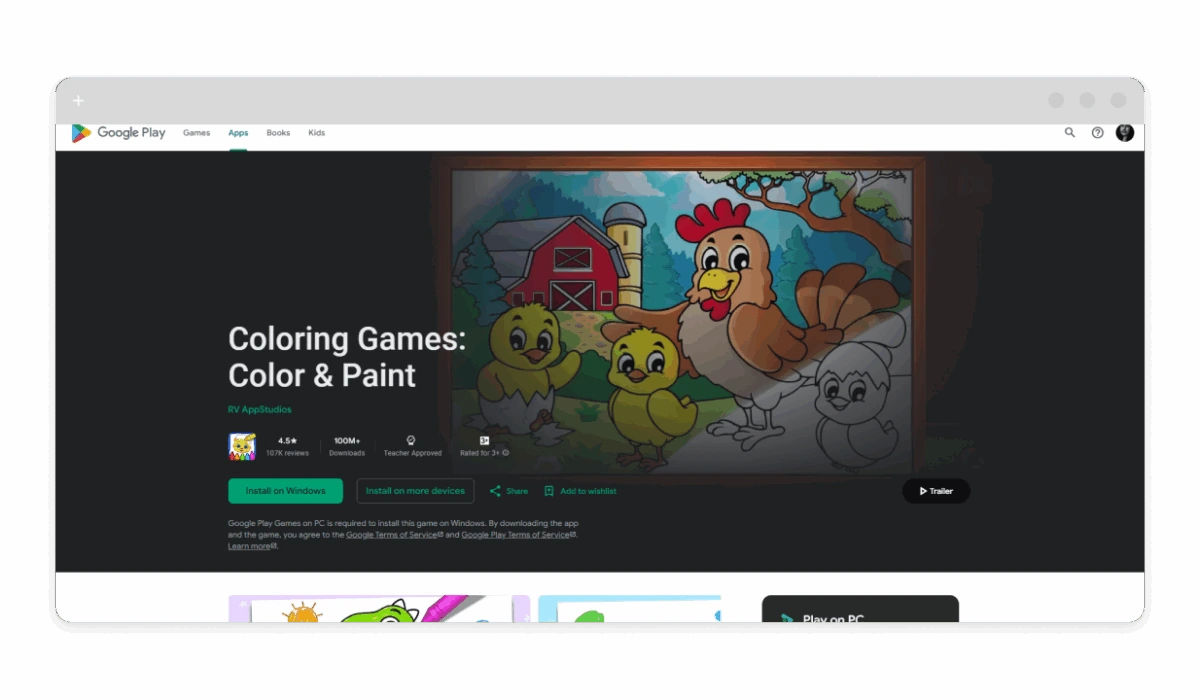
- Platform: iOS and Android
- Links: App Store, Google Play
- Ad-Free Status: Completely free with no ads.
- Safety: No purchases, no ads, educational focus.
- Content Types: Animals, vehicles, simple shapes; drawing tools.
- Age: 2-6
- Why Safe for Kids: Kid-friendly themes teach colors and coordination.
- Pros: Variety of modes, stickers. Cons: Repetitive for older kids.
- Fully ad-free, it’s a secure pick for toddlers learning through play.
Disney Coloring World
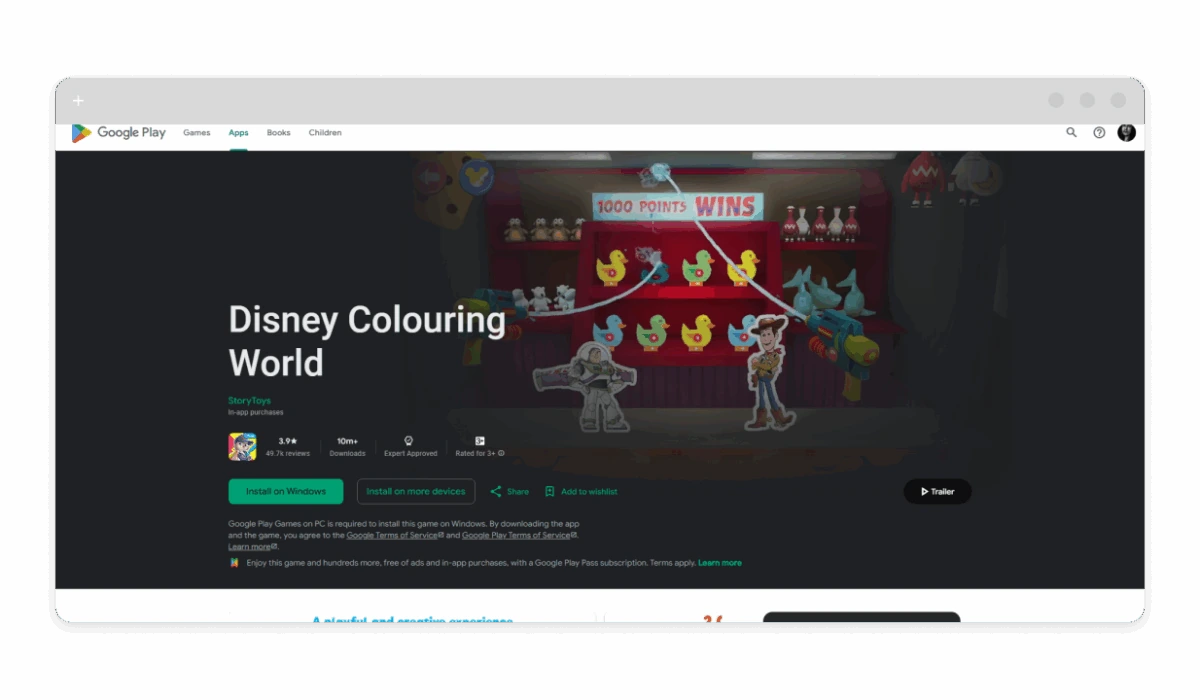
- Platform: iOS and Android
- Links: App Store, Google Play
- Ad-Free Status: Subscription ($6.99/month) for ad-free; trial no ads.
- Safety: No social, parental gates.
- Content Types: Disney characters, scenes; stickers, props.
- Age: 4+
- Why Safe for Kids: Familiar heroes inspire imagination safely.
- Pros: Character customization, AR mode. Cons: Sub for full library.
- Premium removes ads, making it a magical, secure space for young fans.
Coloring & Learn
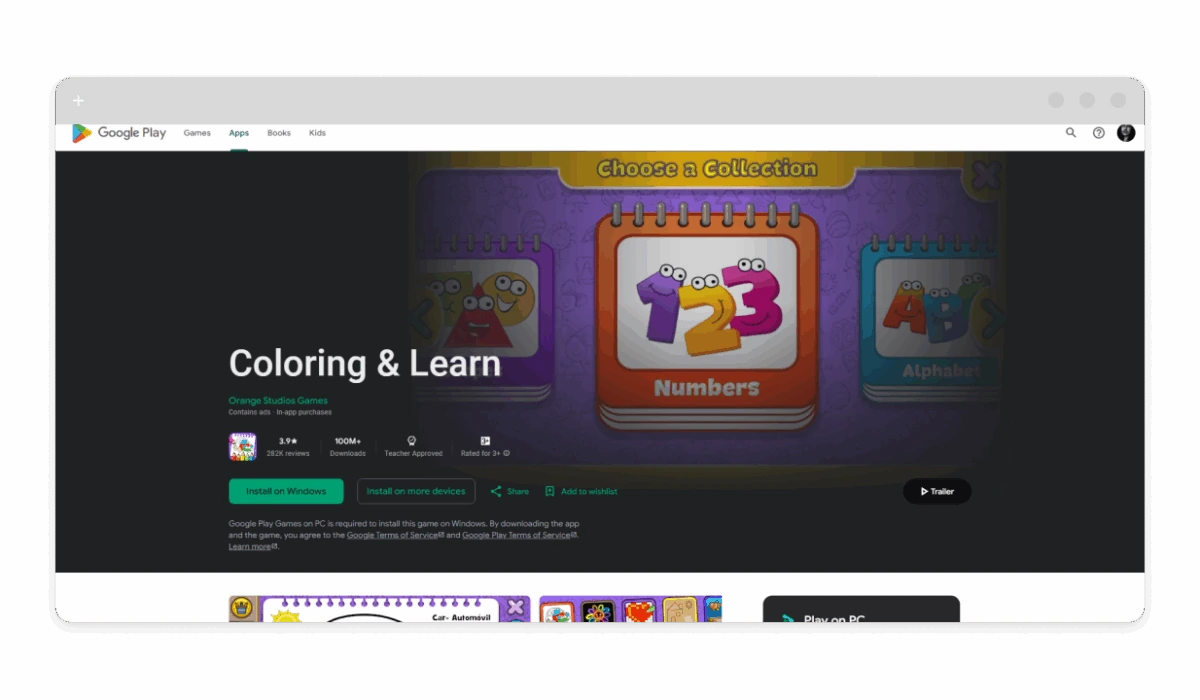
- Platform: Android (main)
- Links: Google Play
- Ad-Free Status: Free with optional ad removal via purchase.
- Safety: Educational, no external risks.
- Content Types: Animals, vehicles, letters; draw modes.
- Age: 3+
- Why Safe for Kids: Teaches through coloring, no distractions in premium.
- Pros: 250+ pages, games included. Cons: Ads in free; Android-focused.
- Ad-free version ensures a learning-focused environment for children.
Pepi Wonder Coloring
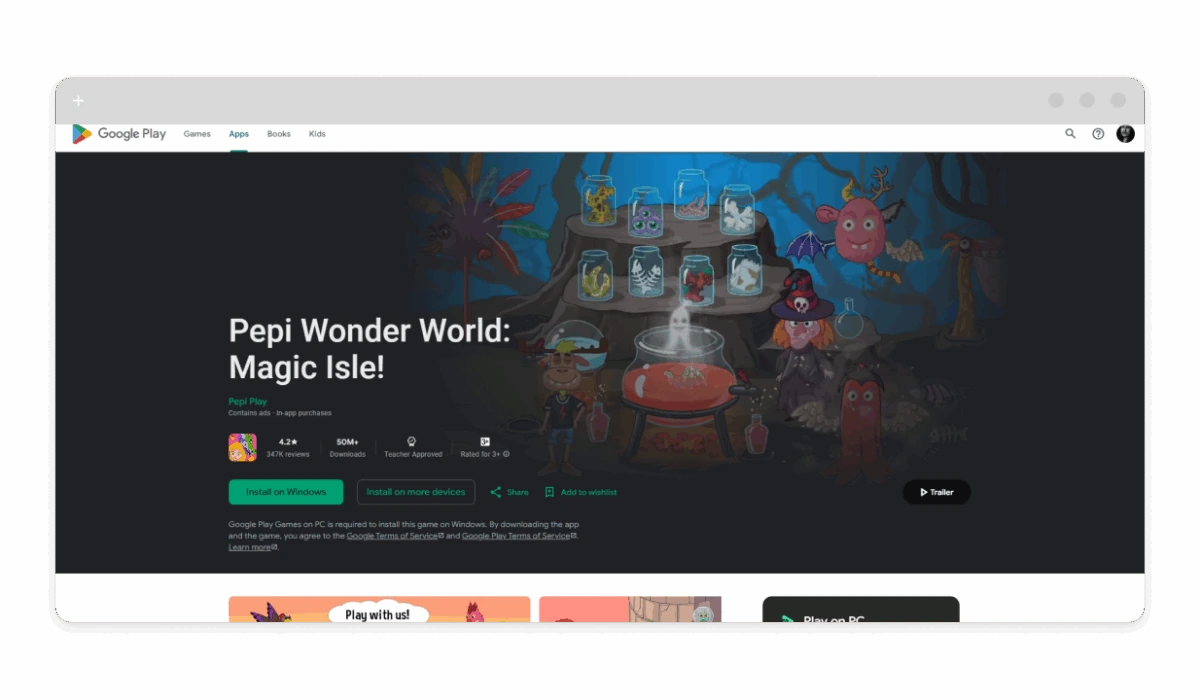
- Platform: iOS and Android (part of Pepi series)
- Links: App Store, Google Play (related)
- Ad-Free Status: In-app unlocks for ad-free ($4.99).
- Safety: Kid-safe design, no links.
- Content Types: Fantasy scenes, characters, simple shapes.
- Age: 3-7
- Why Safe for Kids: Story-based coloring builds creativity.
- Pros: Interactive elements. Cons: Part of larger app; purchase needed.
- Removing ads creates a whimsical, secure world for young explorers.
Free vs Paid Ad-Free Coloring Apps
Free ad-free coloring apps often provide basic access with limited designs, ideal for casual tries — no cost, but fewer features like advanced brushes. Paid versions shine with one-time purchases ($0.99-$4.99) or subscriptions ($4.99-$9.99/month), unlocking vast libraries, custom tools, and offline play for deeper engagement.
Free suits beginners testing waters; paid delivers premium content without ongoing ads, perfect for committed users. Subscriptions offer ongoing updates, while one-time buys give lifelong access without recurrence.
How to Make Sure a Coloring App Is Truly Ad-Free
Verify an app’s ad-free claim before downloading:
- Read the description on App Store or Google Play, look for “no ads” mentions.
- Check “In-App Purchases”, avoid if “remove ads” is listed without clear free status.
- Scan reviews for “ad-free” keywords or complaints about hidden interruptions.
- Test post-install: Open several pages and tools; no banners mean it’s good.
- For kids: Disable in-app purchases in device settings to block surprises.
This quick check ensures uninterrupted fun.
How to Remove Ads From the Coloring App
If an app has lingering ads, AdLock provides a simple fix, blocking them system-wide for a clean experience. This tool works on iOS and Android, filtering distractions without affecting app performance.
Steps:
- Download AdLock from adlock.com (free trial available).
- Install and enable ad blocking, grant VPN access for network filtering.
- Customize: Add rules for app domains if needed.
- Launch your coloring app — ads vanish automatically.
- For mobile tweaks, see our free ad blocker, ad blocker for Android, or ad blocker for iOS devices pages.
Make your meditative leisure ad-free with AdLock. Enjoy your favorite coloring app without ads and tracker-free.
Conclusion
These 12 top coloring apps with no ads, from Pigment’s artistic depth for adults to Coloring Games’ playful simplicity for kids, prove creativity thrives without interruptions. Free options spark interest, while premium unlocks endless possibilities, all prioritizing safe, engaging play.
Grab Pigment for your unwind routine or Disney Coloring World for family fun, and layer AdLock for perfection!

