How to Block Fox News Ads and Pop-Ups on Any Device
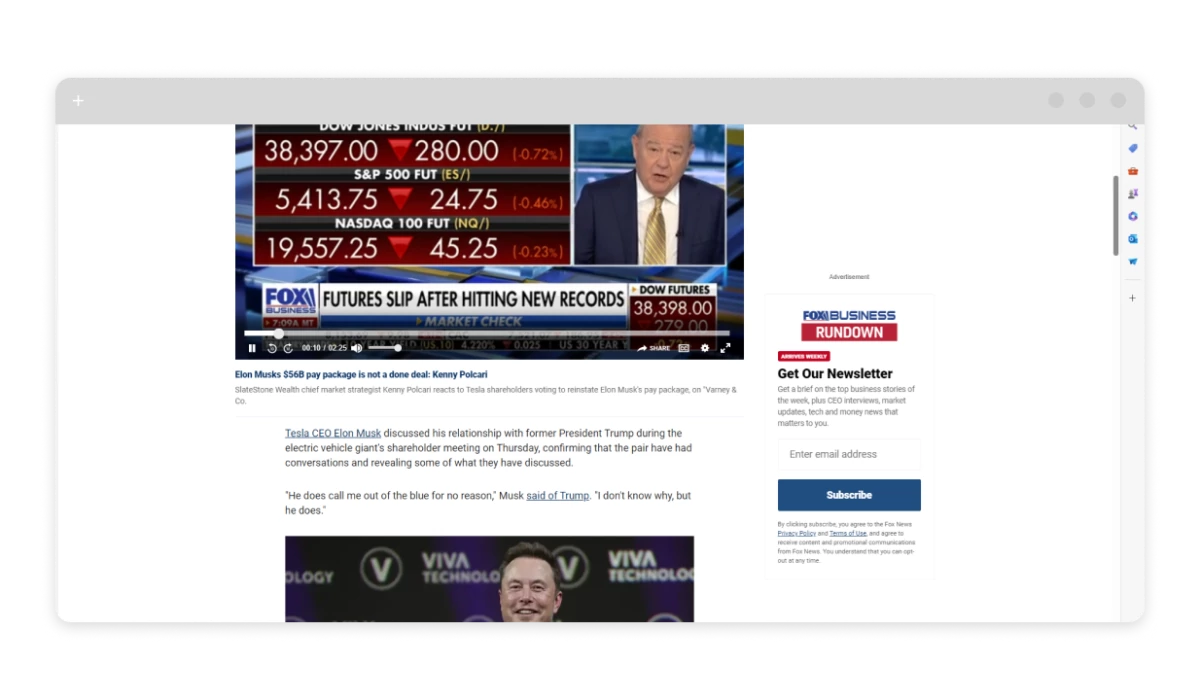
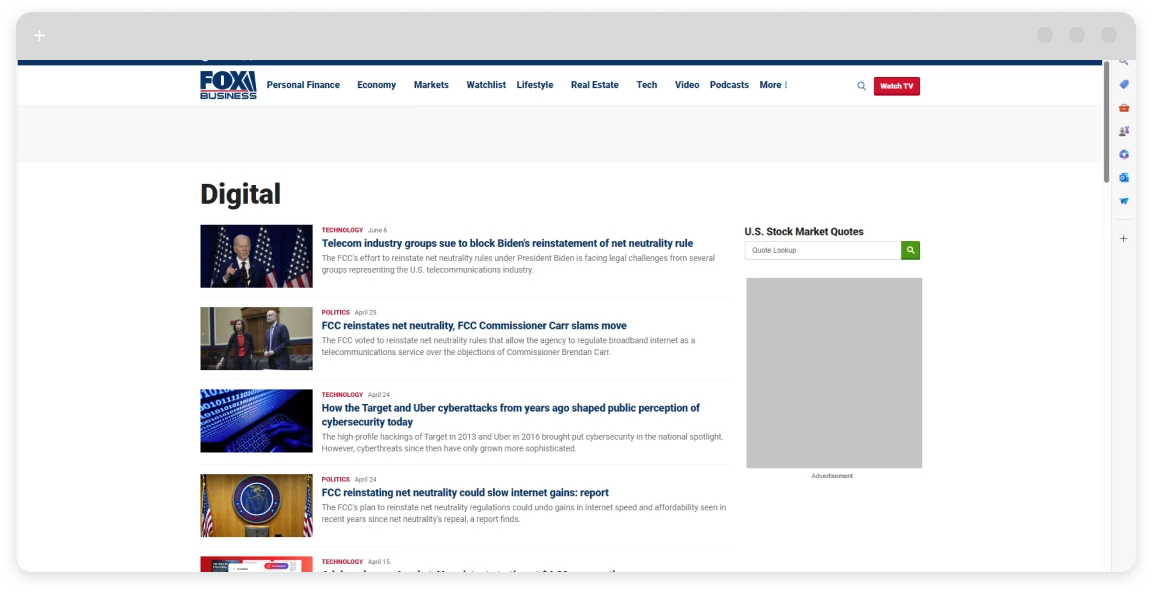
Fox News runs some of the heaviest ad loads of any major news site. Autoplay videos fire before you reach the article, banners stack on both sides, and pop-ups interrupt mid-read. If a standard ad blocker has ever shown you a “please disable your blocker” wall on foxnews.com, you already know the site actively fights back. This guide covers every working method — from system-level apps to DNS filtering — for every device.
Browse Fox News Without Ads
Skip the autoplay videos and banners. Read news — not noise
What Kind of Ads Does Fox News Use?
Fox News monetizes heavily, and the ad variety reflects that. On a typical visit you’ll run into:
- Banner ads along the top and sides that follow you as you scroll.
- Autoplay video ads that fire before and during news clips — often with sound on by default.
- Interstitials: full-screen overlays you have to close to keep reading.
- Pop-ups and pop-unders, especially on mobile.
- Sponsored content widgets injected into the article feed.
- Outbrain/Taboola recommendation boxes at the bottom of every page.
The slow page loads and occasional browser freezes are usually caused by these ad scripts competing with each other, not the Fox News content itself.
Why Do So Many Ad Blockers Fail on Fox News?
Fox News deploys anti-adblock scripts that scan the page for signs of a running blocker — missing DOM elements, modified network requests, known extension fingerprints — and then hide the content behind a prompt asking you to disable it. Most browser extensions are easy to detect this way because they operate inside the browser and follow predictable patterns.
There’s also a structural shift worth knowing about: Google’s Manifest V3 rules stripped real-time network request blocking from Chrome extensions. Extensions that used to intercept ad calls before they loaded can no longer do that reliably in Chrome. If your browser extension suddenly got worse on Fox News, this is likely why.
Tools that work outside the browser — at the system or DNS level — sidestep both problems. The site can’t detect what it can’t see inside the browser.
The Most Reliable Way to Block Fox News Ads
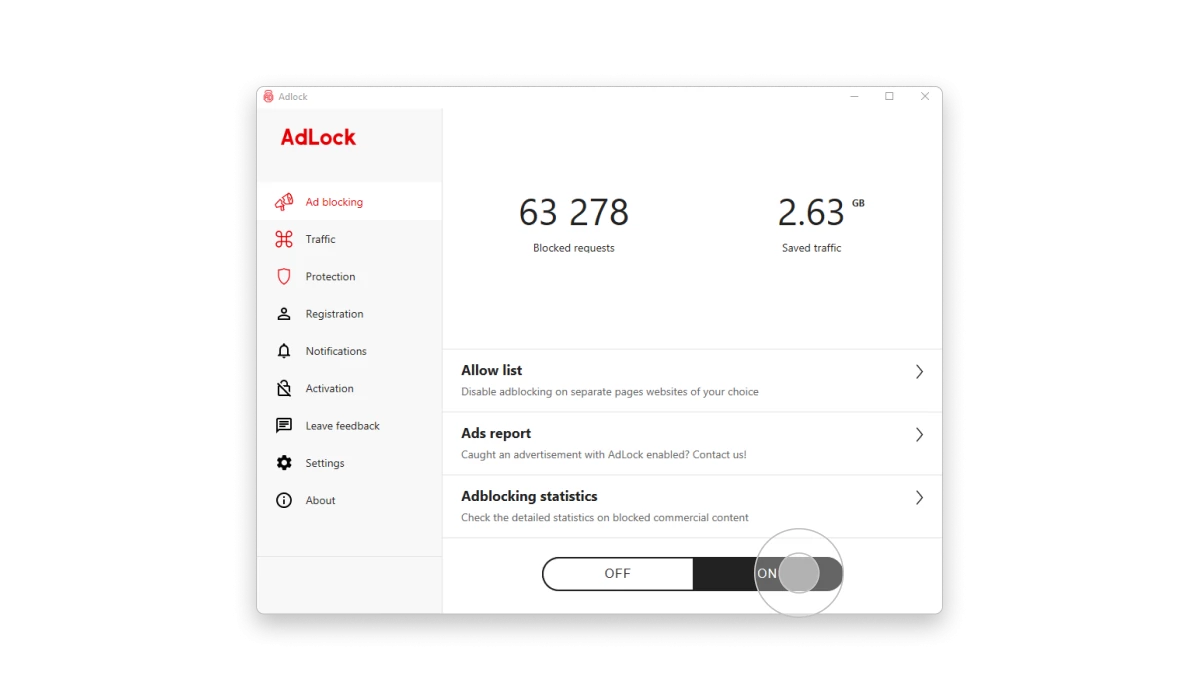
The standalone AdLock app is the most dependable option across platforms. It runs at the network level — outside any browser — so Fox News’s anti-adblock detection has nothing to latch onto. It covers every browser and every app on the device at once, including the Fox News app itself.
What that means in practice:
- Ads are blocked before they reach the page — no flickering, no “please disable your blocker” wall.
- Works across Chrome, Firefox, Safari, Edge, and any other browser on the device simultaneously.
- In-app ads in the Fox News mobile app are also blocked — not just web ads.
- You can whitelist specific sites if you want to support them.
Setup takes under two minutes:
- Download AdLock from the official website for your platform (Windows, macOS, Android, or iOS).
- Install and follow the on-screen setup.
- Enable ad blocking — it’s on by default after setup.
- Open foxnews.com. Ads are gone.
How to Block Ads on Fox News in a Browser
Browser extensions are less effective on Fox News than system-level tools, but they’re a zero-friction starting point. The honest picture:
- uBlock Origin: The strongest free extension available, but Fox News’s scripts detect it often enough that you’ll still hit the blocker wall. Works best in Firefox, where Manifest V3 limits don’t apply yet.
- AdLock for Chrome: Free extension from AdLock, a lighter-weight option that lives under the same MV3 rules as other Chrome extensions — pair it with the standalone app if you need full coverage.
- Brave Browser: Built-in blocking at the browser level. Catches most display ads but struggles more with video ads and anti-adblock overlays than a system-level tool would.
If you’re sticking with a browser extension, combining it with DNS filtering below will meaningfully improve results.
Using DNS-Level Ad Blocking
DNS filtering stops ad requests before they even reach your browser — the domain is blocked at the network layer, so there’s nothing for anti-adblock scripts to detect. NextDNS is the cleanest free option for this:
- Create a free account at nextdns.io.
- In the Privacy tab, enable EasyList and EasyPrivacy filter lists.
- On Android 9+: go to Settings > Network & Internet > Private DNS and enter your NextDNS hostname (shown in your NextDNS dashboard).
- On iPhone: download the NextDNS configuration profile from the NextDNS iOS app or their site, then install it under Settings > General > VPN & Device Management.
DNS blocking won’t catch every ad — video ads served from the same domain as the content itself slip through — but it eliminates a big portion of display and tracker traffic.
Read also:
Remove Ads From Fox News App on Android
Android gives you the most flexibility because you can install apps outside the Play Store and set system-wide DNS. The Android ad blocker approach works across all apps at once, including the Fox News app.
Option 1 — AdLock for Android (most complete): Blocks ads in every browser and app on the device simultaneously. Available on Google Play (*AdLock: Adblocker & Privacy*) and as a direct APK download from adlock.com. After install, it sets up a local VPN so all traffic routes through its filters.
Option 2 — Private DNS with NextDNS (free, no install):
- Settings > Network & Internet > Private DNS
- Choose “Private DNS provider hostname” and enter your NextDNS hostname.
- Save. Works on Android 9 and above.
DNS filtering won’t block all in-app video ads, but it removes most banner and tracker traffic with no ongoing maintenance.
Blocking Fox News Ads on iPhone
iOS is more restrictive than Android — Apple doesn’t permit apps to intercept all device traffic the same way. The realistic options:
- AdLock for iPhone: Works as a Safari content blocker and reduces ad and tracker load on foxnews.com in Safari. Also includes DNS-based filtering for broader coverage.
- NextDNS configuration profile: Installed via Settings > General > VPN & Device Management, this applies DNS filtering across all apps. Free for up to 300,000 queries per month.
- Safari built-in pop-up blocking: Settings > Apps > Safari > Block Pop-ups. Handles the most intrusive overlays without any extra app.
In-app video ads inside the Fox News app are harder to eliminate on iOS. DNS filtering cuts some of them; a full block requires the app to serve ads from blockable third-party domains, which isn’t always the case.
How to Stop Fox News Pop-ups
Pop-ups are the simplest problem to solve on their own, even without a full ad blocker.
Chrome / Edge / Brave: Go to chrome://settings/content/popups (or the equivalent in your browser) and set it to block pop-ups. Add foxnews.com to the blocked list specifically if needed.
Firefox: Settings > Privacy & Security > Permissions > Block pop-up windows.
iPhone Safari: Settings > Apps > Safari > Block Pop-ups (toggle on).
This handles native browser pop-ups. Ad-based overlays injected into the page itself need an ad blocker or DNS filter on top of this.
Final Thoughts
Browser extensions alone often fail on Fox News because the site’s anti-adblock layer is specifically tuned to detect them. The most consistent fix is a system-level tool — either the standalone AdLock app or DNS filtering via NextDNS — because neither operates inside the browser where detection scripts can find them.
For most people: install AdLock, open Fox News, done. If you’d rather not install anything, Private DNS with NextDNS is a decent free fallback, though it won’t catch every ad format.
Browse Fox News Without Ads
Skip the autoplay videos and banners. Read news — not noise
Frequently Asked Questions
Is it legal to block ads on Fox News?
Yes. Ad blocking is legal in the US and most other countries. You control what your device loads.
Will blocking ads break the Fox News website?
The content — articles, video clips — still loads. You may occasionally see an anti-adblock prompt asking you to disable your blocker. System-level tools like AdLock are much less likely to trigger this than browser extensions.
Can I block Fox News ads without installing anything?
Browser pop-up blocking is built-in and requires no install. For actual ads, you’ll need at least a DNS filter — which on Android 9+ requires only a settings change, no app download.
Why do ads keep coming back even with a blocker running?
Fox News serves some ads from its own domain, which DNS blocklists can’t block without also breaking the content. Video ads embedded in the player are particularly hard to filter. A system-level app with updated filter lists handles more of these cases than a browser extension alone.
Does Brave Browser remove all Fox News ads?
It removes many display and tracker ads. Video prerolls and anti-adblock overlays still get through sometimes. Combining Brave with DNS filtering or a system-level blocker covers most of what Brave misses.
Can I block ads in the Fox News app, not just the website?
On Android, yes — AdLock or a Private DNS filter blocks in-app ads system-wide. On iPhone, DNS filtering (via NextDNS profile) reduces in-app ad traffic, but some video ads served from Fox’s own infrastructure will still appear.
Does AdLock work on the Fox News app specifically?
On Android, AdLock filters traffic from all apps including the Fox News app, so yes. On iOS, it works primarily as a Safari content blocker and DNS filter — coverage inside the native Fox News app depends on where the ads are served from.