Top 8 Truck Games Without Ads
Truck games offer that satisfying rumble of engines and the challenge of hauling cargo across vast maps, whether you’re navigating city streets or off-road trails. But in 2025, most free titles on mobile are riddled with ads: banners blocking your dashboard, pop-ups during deliveries, or forced videos after every level. These interruptions kill immersion and cause lags, draining battery and frustration alike. If you’re searching for truck games without ads to enjoy pure gameplay, this guide spotlights top picks that prioritize smooth, distraction-free driving. From realistic simulators to fun kids’ adventures, these options let you focus on the road ahead, no matter your device.
Why Choose Truck Games Without Ads?
Ads in truck games hit harder than a bumpy highway, especially in simulators where precision and concentration are key. A sudden video break during a tight turn can throw off your rhythm, leading to crashes or missed deadlines, while banners clutter screens and drop FPS on older devices. For kids playing truck driving games, it’s riskier — ads might link to unrelated sites or prompt accidental purchases, turning fun into a safety concern.
Ditching ads unlocks real benefits: Stable performance for lag-free hauls, better battery life without constant data pulls, and deeper immersion in realistic physics or missions. It’s safer too, as no trackers are sneaking in personal data. Overall, ad-free truck games deliver uninterrupted enjoyment, making every drive feel authentic and stress-free.
8 Best Truck Games Without Ads for Adults
These eight standout truck games cater to adults craving realistic simulations or challenging drives, with ad-free experiences via paid models or IAP removals. Each offers deep customization, physics, and missions, vetted for 2025 updates.
Truck Simulator PRO Europe
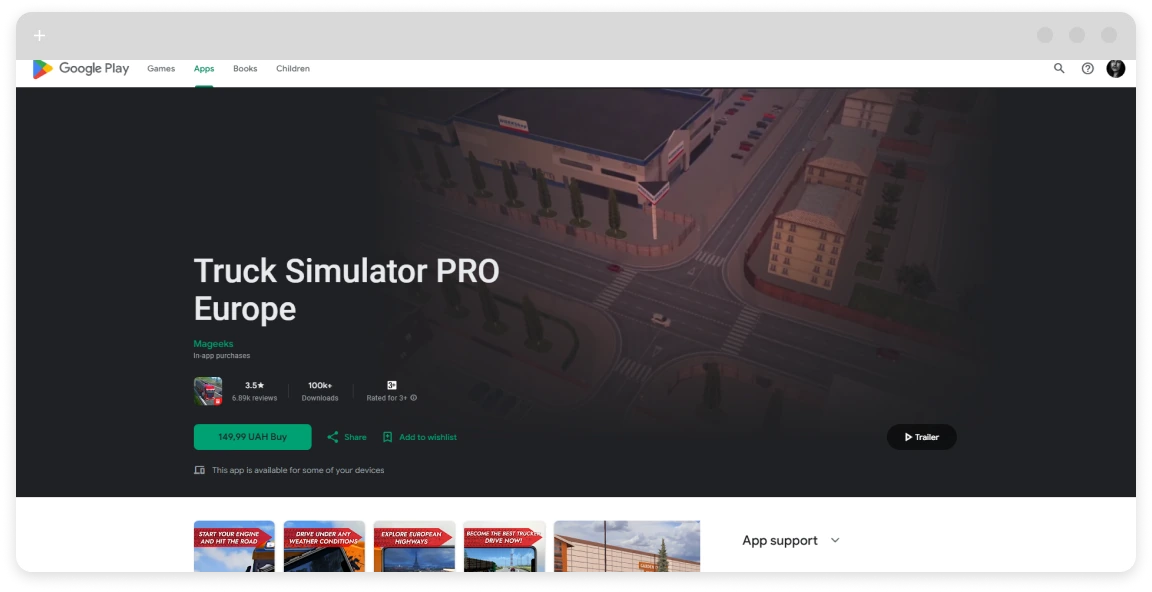
- Platform: Android, iOS
- Links: Google Play, App Store
- Ad-Free Status: Paid one-time purchase ($5.99); fully ad-free out of the box.
- Genre: Realistic truck simulator with cargo delivery and empire building.
- Pros: Stunning European maps, licensed trucks, dynamic weather, business management. Cons: No multiplayer; steeper learning curve for controls.
- This premium gem shines as a truck simulator no ads experience, letting you haul across iconic cities without interruptions for focused, immersive play.
Euro Truck Simulator 2
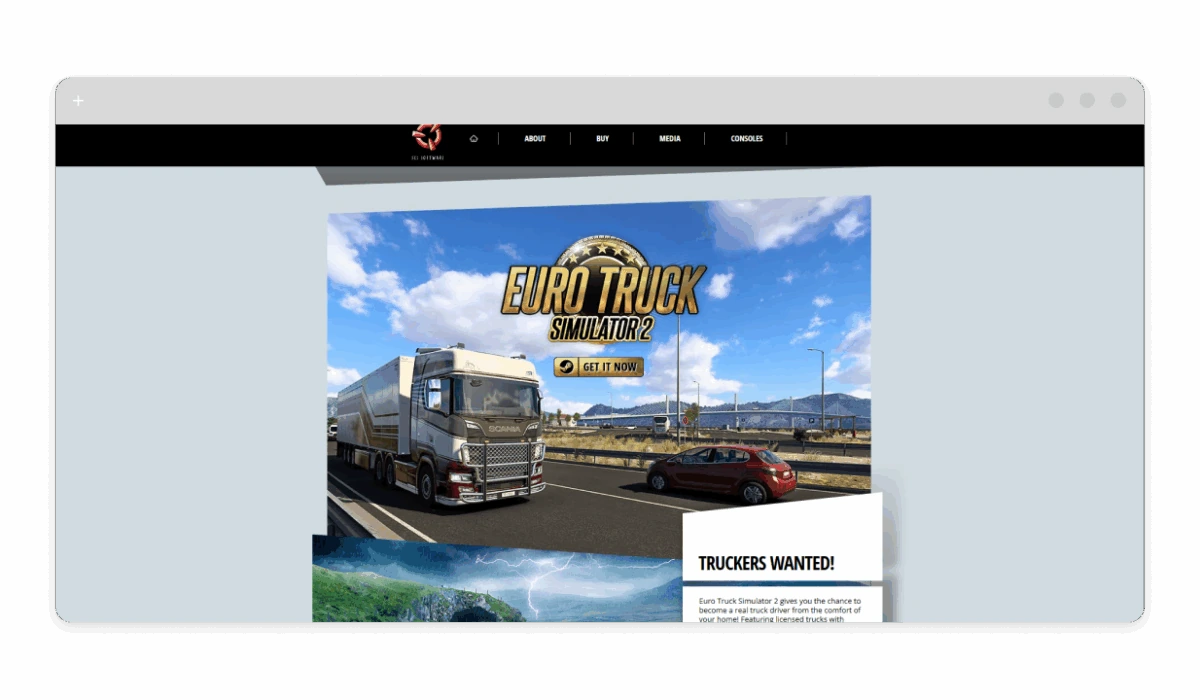
- Platform: PC (Steam)
- Links: Steam
- Ad-Free Status: Paid one-time purchase ($19.99, often on sale); completely ad-free.
- Genre: Open-world truck simulator with cargo transport and customization.
- Pros: Vast European roads, mod support, realistic physics, online co-op via Convoy. Cons: Requires decent PC specs; base game DLC-heavy for full map.
- As a best truck simulator without ads on PC, it offers endless hauls and fleet growth in a banner-free world, perfect for long-haul enthusiasts.
American Truck Simulator
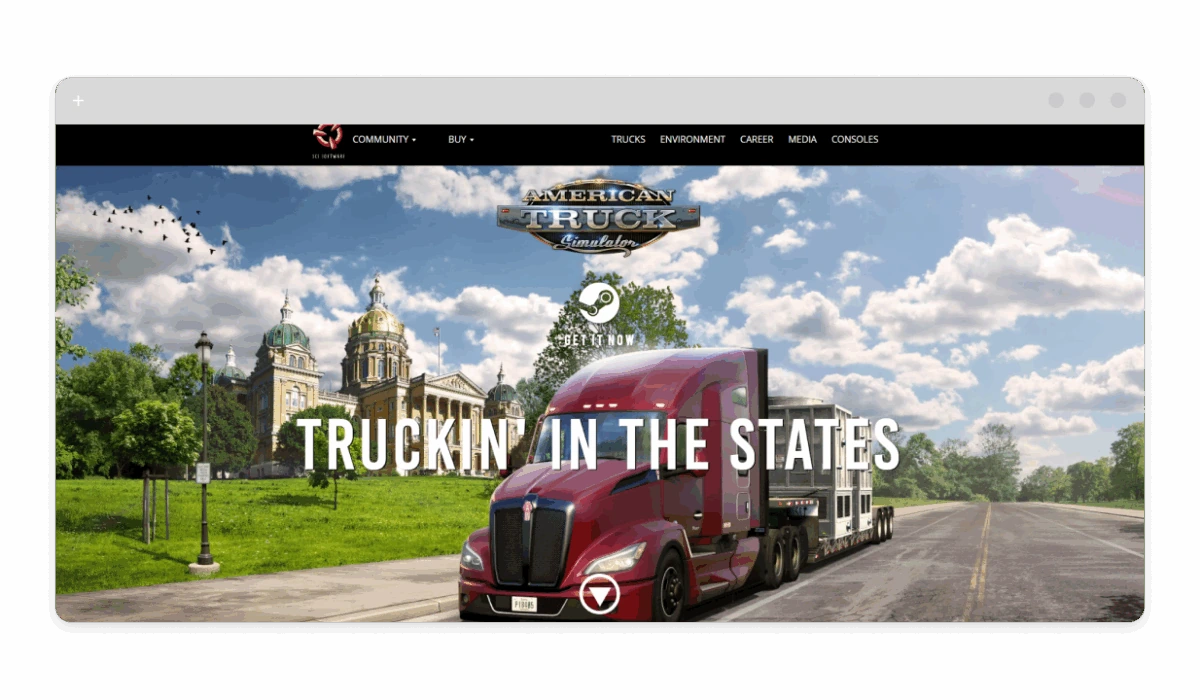
- Platform: PC (Steam)
- Links: Steam
- Ad-Free Status: Paid one-time purchase ($19.99, sales common); no ads.
- Genre: Simulation with US trucking, business expansion, and realistic driving.
- Pros: Iconic US landscapes, truck tuning, weather effects, community mods. Cons: DLC needed for more states; single-player focus.
- This ad-free truck driving game captures cross-country vibes, with no pop-ups to break the scenic immersion.
World Truck Driving Simulator
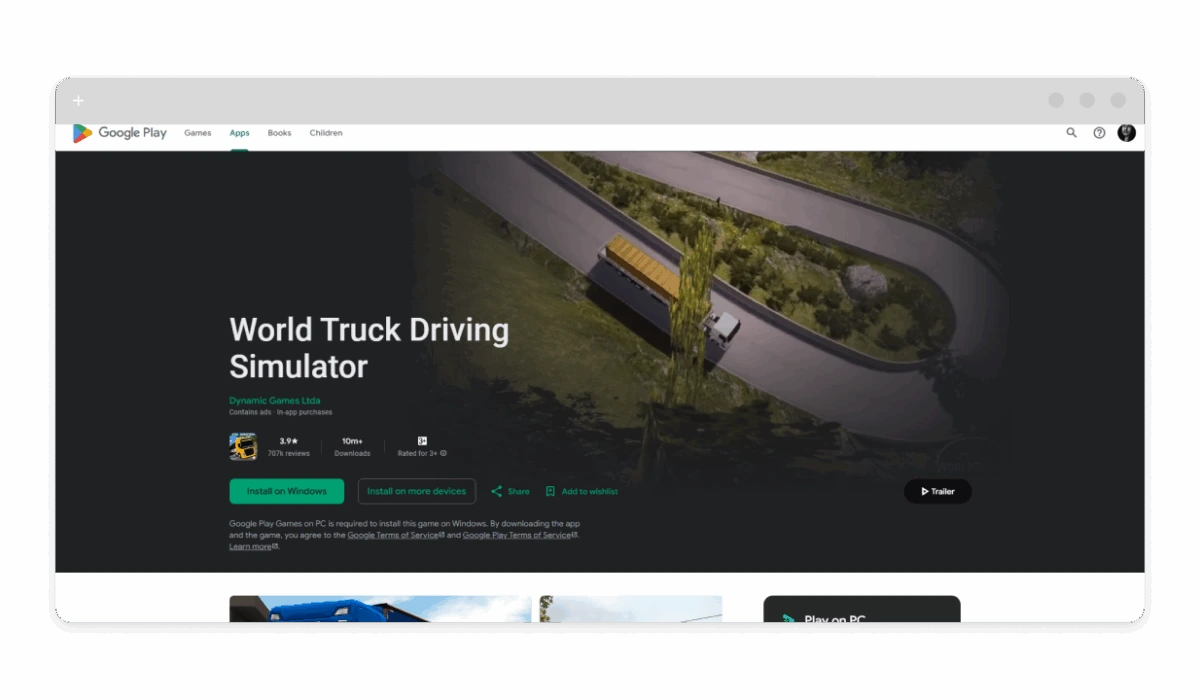
- Platform: Android
- Links: Google Play
- Ad-Free Status: Free with ads; one-time IAP ($0.99) for full ad removal.
- Genre: Off-road and cargo simulator with realistic Brazilian routes.
- Pros: Variety of trucks, day/night cycle, fines and fuel management. Cons: Ads in free version; some bugs in updates.
- Once upgraded, it’s a solid free truck games without ads choice, emphasizing physics and missions without distractions.
Heavy Truck Simulator
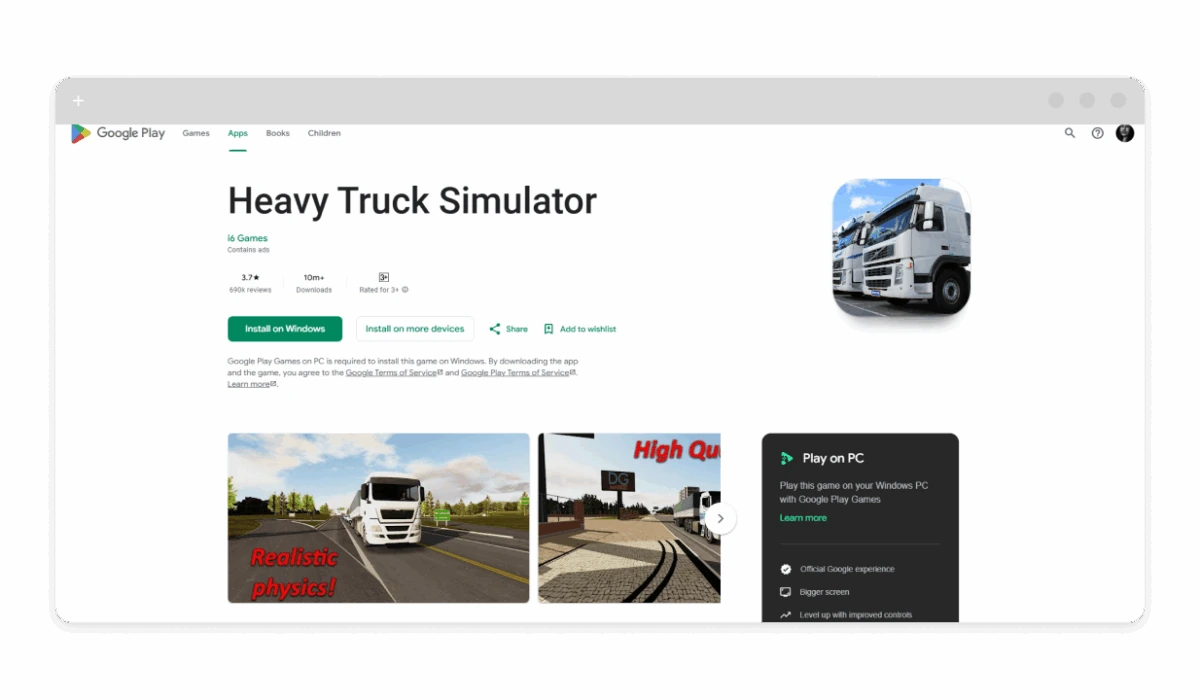
- Platform: Android
- Links: Google Play
- Ad-Free Status: Free with ads; no mentioned removal, but premium features reduce them.
- Genre: Cargo delivery simulator with dirt roads and challenges.
- Pros: Brazilian locations, trailer varieties, sleeping sim. Cons: Ads persistent; repetitive missions.
- For offline truck games fans, its core gameplay feels cleaner with fewer interruptions in premium play.
Truck Simulator: Ultimate
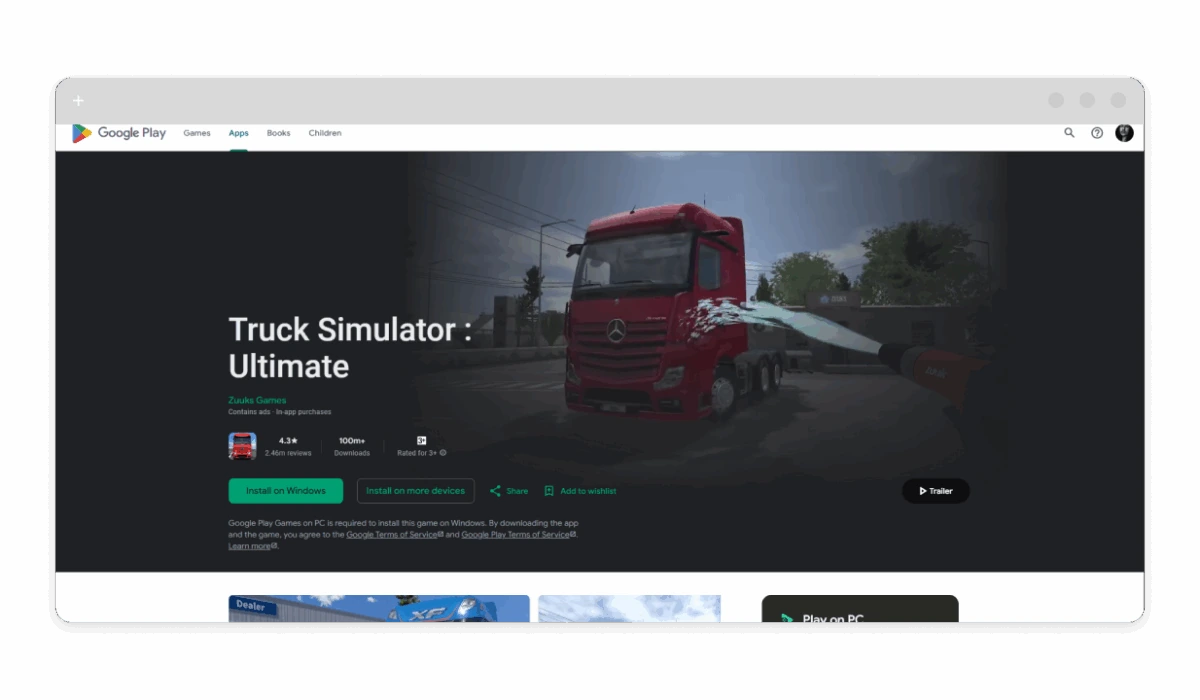
- Platform: Android, PC
- Links: Google Play
- Ad-Free Status: Free with ads; IAP for premium content, but ads remain—pair with blocker for ad-free.
- Genre: Tycoon-simulator hybrid with multiplayer.
- Pros: Licensed trucks, company building, auctions. Cons: Bugs like crashes; ad-heavy free mode.
- Premium unlocks make it a no ads truck driving game contender, blending driving and management seamlessly.
MudRunner Mobile
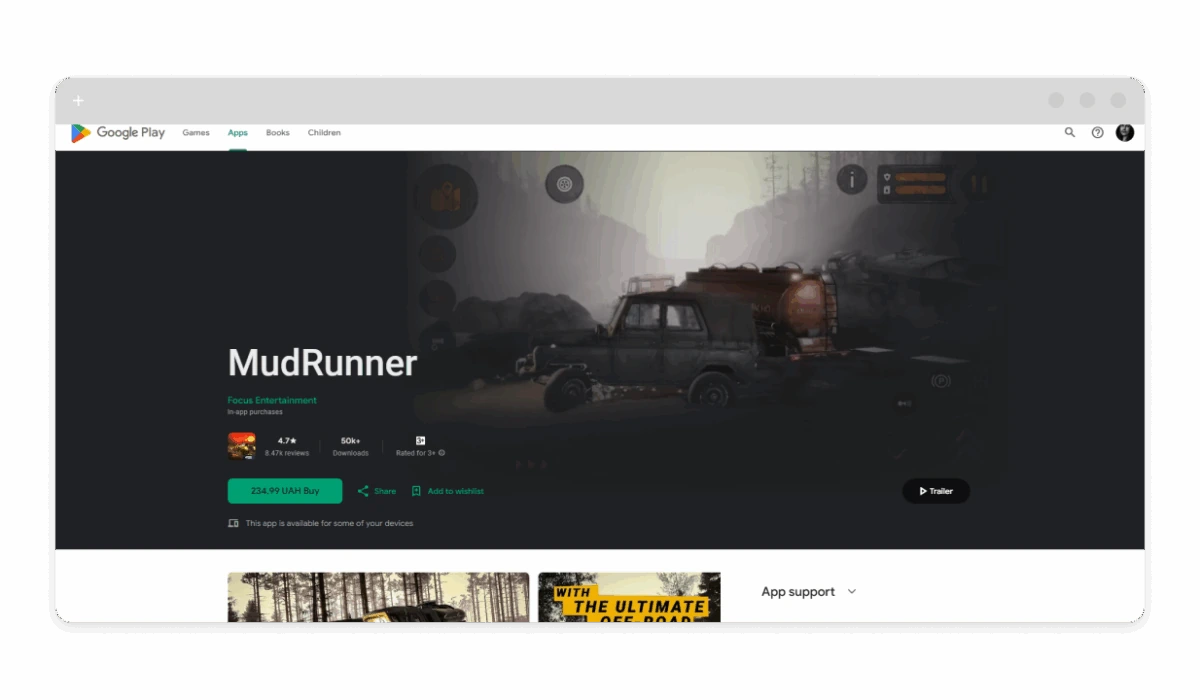
- Platform: Android, iOS
- Links: Google Play, App Store
- Ad-Free Status: Paid one-time ($5.99); ad-free.
- Genre: Off-road truck simulator with mud physics and cargo.
- Pros: Realistic terrain, vehicle variety, challenging missions. Cons: Controls tricky on mobile; short campaign.
- As an ad-free truck games option, it excels in immersive off-road hauls without any banners.
Kids Monster Truck Games 2+
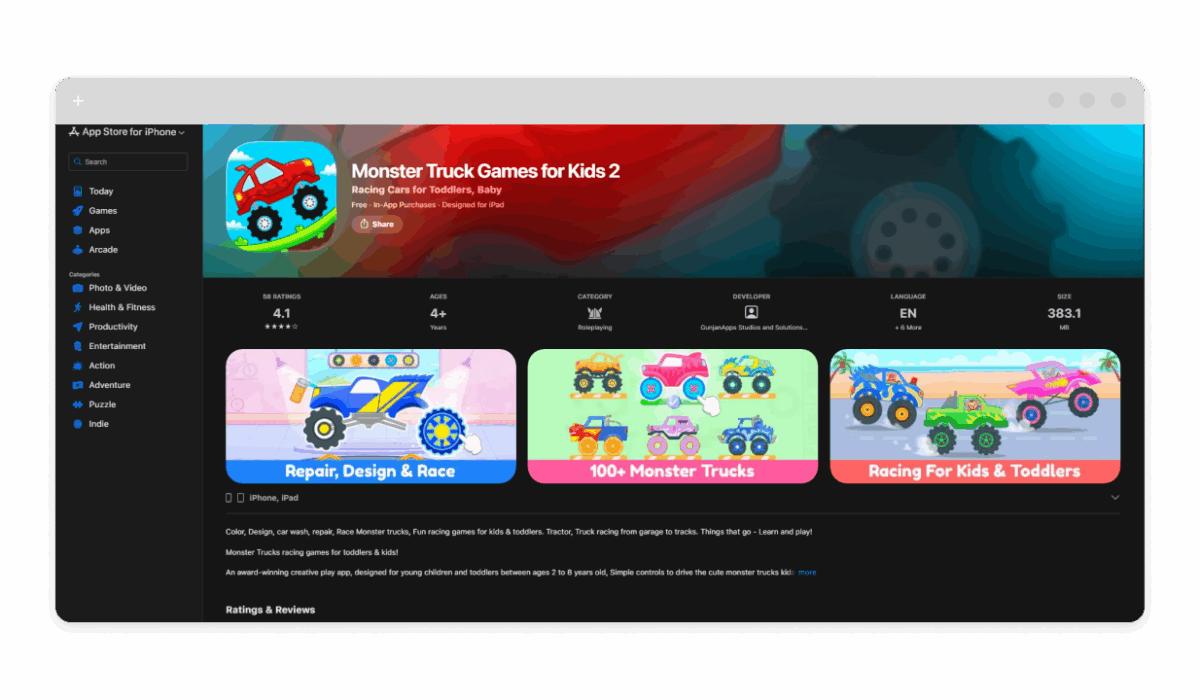
- Platform: Android, iOS
- Links: Google Play, App Store
- Ad-Free Status: Free with ads; IAP for ad removal ($2.99).
- Genre: Racing and stunt truck game for kids.
- Pros: Simple controls, colorful tracks, educational elements. Cons: Ads in free; limited levels.
- Upgraded, it’s a safe truck games without ads for young players, focusing on fun without risks.
How to Remove Ads From Any Truck Game
Even the best free truck games often sneak in ads, but you can strip them out with a tool like AdLock. This app blocks network requests for ads, preventing pop-ups and videos from loading, all while keeping gameplay smooth. It’s ideal for mobile titles where IAP removal isn’t available, ensuring no lags or distractions.
It’s worth noting that if the game offers rewards for watching commercials (like game currency, retries, whatnot), blocking those ads will prevent you from earning them.
How to remove in-game ads using AdLock
Here’s the instruction for Android devices:
- Download AdLock from adlock.com (Google Play won’t allow adblockers);
- Run the apk file to launch the installation process;
- Follow the instructions and the onboarding;
- Grant permissions for creating a local VPN service (required to perform filtering);
- Enable ad blocking and make sure the game you play is filtered (see app management);
- Update filters;
- Customize: Add rules for game domains if ads slip through;
- Play your game: Ads block automatically — test in a level.
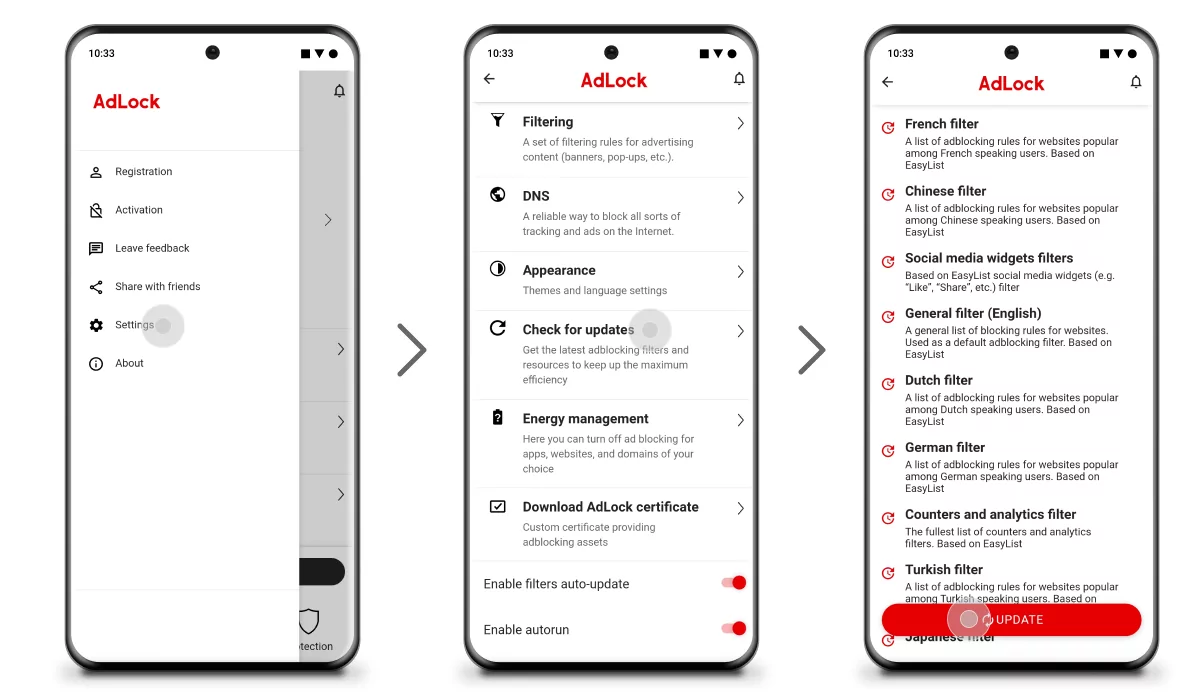
For more information, see our free ad blocker, ad blocker for Android, or ad blocker for iOS devices.
Conclusion
Truck games without ads like Truck Simulator PRO Europe or Euro Truck Simulator 2 offer comfort, safety, stability, and better immersion — free from interruptions that plague free versions. Whether mobile hauls or PC epics, these picks let you enjoy realistic physics, customization, and missions purely. Grab Truck Simulator: Ultimate with AdLock, and hit the road ad-free.

