AdLock for Business — Endpoint Web Protection & Ad Blocking
Endpoint Web Protection for Modern Businesses
AdLock protects employees and corporate devices from ads, trackers and web-based threats — across Windows, macOS, iOS and Android.
Protected across
 Windows
 macOS
macOS
iOS
 Android
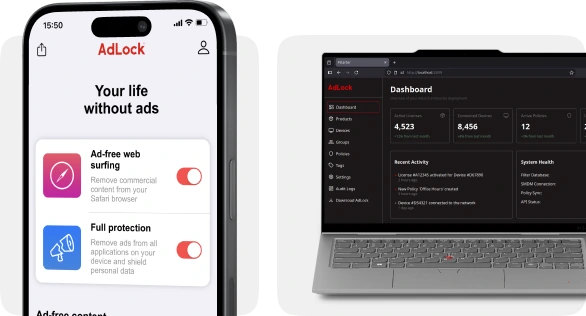
Employees will be protected

Segments
Tailored endpoint protection for your sector
Education (K-12)
Protection for students and staff from malvertising and web trackers; ad-free learning environments.
Government & Public Utilities
Compliance with FBI and CISA recommendations, ISO 27001 certified, purchase order support.
Business
Protection for remote and hybrid teams outside corporate VPN boundaries.
Problems
Security risks don’t stop at the corporate network perimeter
·
Remote Work
Employees work remotely and constantly move between networks
·
Harmful ads
Allowed websites still deliver malicious ads & tracking scripts
·
Unknown networks
Not every network your employees use is protected like your corporate network
·
Lack of control
IT teams have no visibility or control over what loads on employee devices outside the office
Solutions
Protect the employee in any network
AdLock is an endpoint-first web protection solution that:
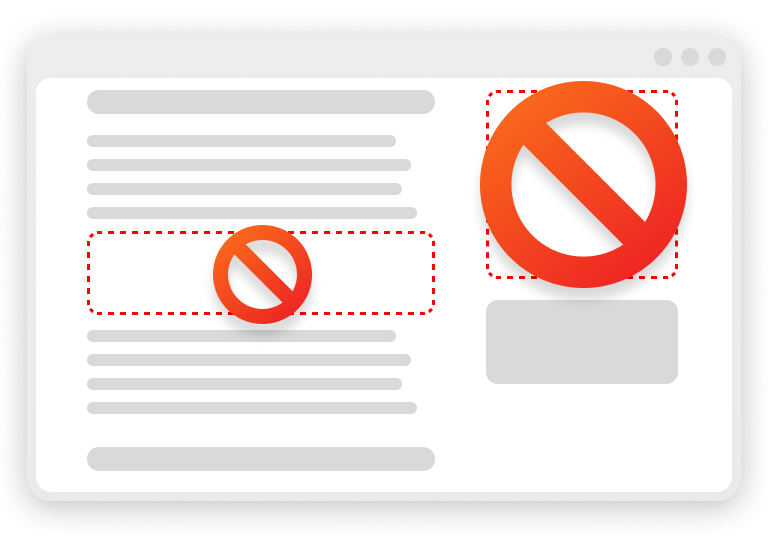
Removes ads
and malicious content inside websites.
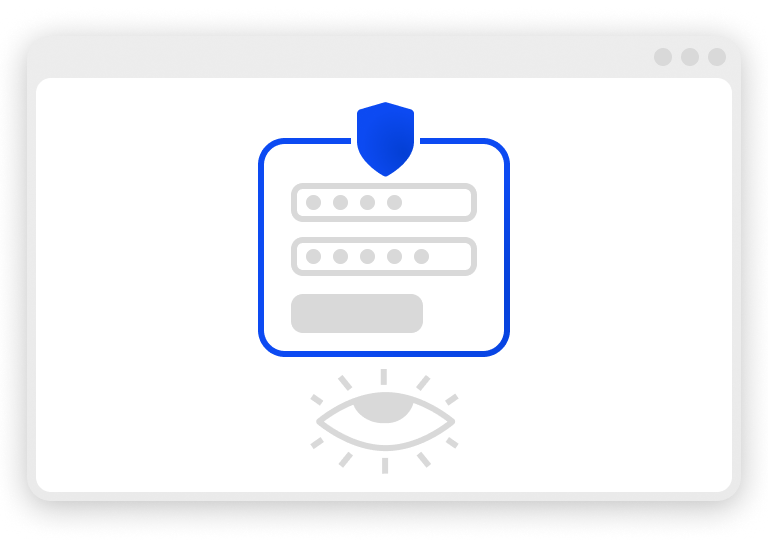
Keeps them safe
Reduces exposure to phishing and malvertising
Blocks trackers
that silently collect corporate data

Run locally
Works everywhere — office, home, public Wi-Fi
All without changing your existing network architecture.
Deployment
Deploy in hours, not weeks
Roll out AdLock silently to every device through Microsoft Intune — no action needed from employees.
Add the AdLock package to Intune
Import the preconfigured AdLock deployment package into your Microsoft Endpoint Manager portal.
Assign it to device groups
Target Windows, macOS, iOS, or Android device groups with required silent install policies.
Protect — AdLock installs and activates automatically
Endpoints receive web protection silently in the background with zero user interaction required.
Benefits
Clear value for business.
Less noise for security teams.
For the business
Lower security and compliance risks
Reduced chance of malware incidents
Higher employee focus and productivity
Predictable cost per device
For security & IT teams
Centralized control
No user configuration
Works outside corporate VPN
Fewer incidents and support tickets
Recommendations
Industry & Government Validation
Ad blocking is officially recommended as a security measure.
Leading cybersecurity authorities publicly recommend using ad blockers to reduce the risk of malvertising and web-based attacks:



These organizations highlight ad blocking as an effective way to limit exposure to malicious ads and exploit delivery.
Compliance & Trust
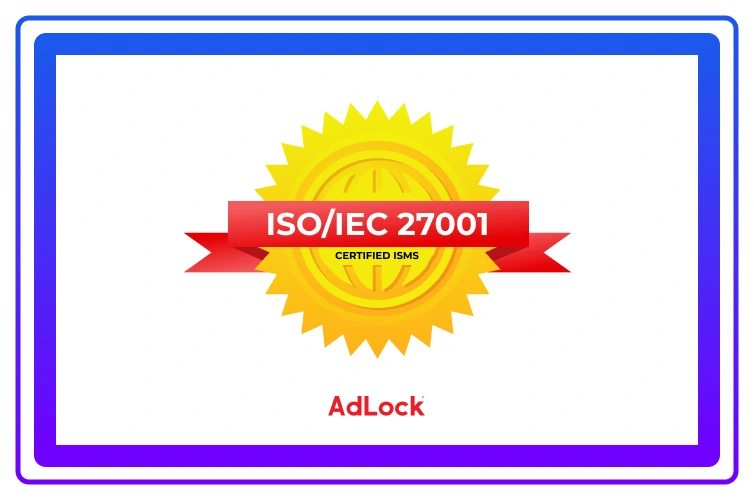
ISO/IEC 27001 certified
AdLock’s information security management system is certified to ISO/IEC 27001. Your security and procurement teams get an independently audited vendor — not just a promise.
Ad blocking is no longer just about comfort — it’s about security.
Conclusion
Enterprise-grade web protection, without enterprise complexity
AdLock helps companies move from network-dependent controls to device-centric security — built for remote work and modern threats.
80+
Organizations protected by AdLock
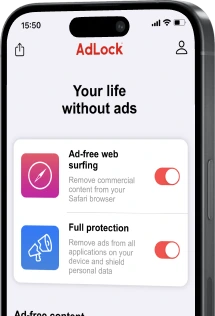

Always protected
Pricing
Simple per-device pricing
Transparent multi-year license options with volume discounts for organizations of any size.
1 Year
Annual flexible commitment
- Windows, macOS, iOS and Android
- Automatic continuous updates
- Standard B2B email support
- Intune silent deployment guide
2 Years
Multi-year cost efficiency
- Everything in 1-Year
- Fixed multi-year price lock
- Priority ticket support
- Deployment configuration review
3 Years
Maximum savings & stability
- Everything in 2-Year
- Highest discount per device
- Dedicated B2B account support
- Priority pilot & onboarding setup
Includes: all platforms, updates, support, deployment assistance. Purchase orders and invoices accepted.
How to buy
How to buy
- Free 14-day pilot for a group of devices, no credit card
Test silent deployment and full web filtering with your team before deciding.
- Direct purchase by quote, purchase order or invoice
We provide formal quotes, W-9/tax forms, and Net 30 invoices for procurement teams.
- Through your reseller — ask your IT reseller to quote AdLock
We partner with major corporate and education IT solution providers worldwide.
Ready to evaluate AdLock?
Request customized pricing or download our B2B overview for your security review.
AdLock provides straightforward per-device licensing across 1-year, 2-year, and 3-year commitment plans. All plans include support across all platforms (Windows, macOS, iOS, Android), continuous filter updates, and deployment support. Dedicated volume pricing is available for 500+ devices. See our per-device pricing table or request a quote.
AdLock operates on a strict zero-data-logging principle. All ad blocking and threat filtering occurs locally on each employee device. We do not monitor, record, store, or sell employee browsing history, web traffic, or company data. Read our complete Privacy Policy for more details.
Yes. We accept direct purchases via formal quotes, purchase orders (PO), and invoices with standard corporate payment terms. You can also purchase AdLock licenses through your existing IT software and hardware reseller.
Yes. AdLock supports silent, enterprise-wide rollout via Microsoft Intune and other MDM solutions. IT administrators can deploy the AdLock package directly to device groups so it installs and activates automatically without requiring any action from employees. Refer to our deployment guide for setup details.
Yes, AdLock’s information security management system is certified to ISO/IEC 27001. We undergo independent annual audits to ensure full compliance with international security standards. You can view our certificate or request security documentation directly from our team.
Sure! We offer a free 14-day trial for businesses with full functionality and no credit card required. You can test it on a small group of employees before rolling it out company-wide.
While antivirus software focuses on already-downloaded malware, AdLock prevents malvertising at the source by blocking malicious ad scripts before they can execute. This proactive approach stops drive-by downloads and many zero-day threats that traditional antivirus software might miss.
Our product is designed to work equally well for both small businesses and large enterprises. Small teams can start with just a few licenses, while larger organizations benefit from Microsoft Intune silent deployment, flexible policy controls, and scalable deployment options.
AdLock blocks malicious ads (malvertising), phishing attempts hidden in ads, tracking scripts, crypto-miners, and harmful redirects. It also allows administrators to block entire categories, such as adult content, gambling, social media, or video streaming, to improve productivity and security.
Yes, this is one of AdLock’s biggest advantages. Since it operates at the device level, it continues to provide full web filtering and ad blocking whether the employee is in the office, at home, or on public Wi-Fi. No network reconfiguration is required.
Not at all. AdLock is designed to be lightweight and hasten browsing speed by blocking resource-heavy ads and trackers. Most businesses report noticeably faster page loading after deployment, as unnecessary content is prevented from loading.
Unlike DNS-based solutions that only filter at the network level and often require complex router configuration, AdLock works directly on each device. This gives you more precise control, works even when employees are off the corporate network or VPN, and blocks ads, trackers, and malicious scripts at all levels, including network, browser, and app level, while keeping browsing fast.
Contact
Request a Quote or Start a 14-Day Pilot
Speak with our enterprise team for volume discounts, procurement documents, or custom pilot rollout.
