Top 10 Apps and Games for Seniors Without Ads
Mobile games for seniors without ads offer a gentle way to stay sharp, from matching tiles to solving puzzles, all while providing low-stress entertainment on iOS or Android. These apps support cognitive health, fine motor skills, and social connections without the frustration of pop-ups or video breaks that interrupt focus. In 2026, with 60% of seniors using smartphones daily per AARP data, ad-free options are essential as they prevent accidental clicks, reduce eye strain from cluttered screens, and let players enjoy at their own pace.
Ads in free games often derail seniors, who may struggle with small buttons or quick closes, leading to unwanted purchases or navigation errors. This guide spotlights 10 top picks, selected for simplicity, offline play, and zero ads in base or premium forms. We’ve grouped them by category for easy browsing, with store links and reviews. Plus, tips for finding more, gaming benefits, and how AdLock blocks ads in any app. Dive in for distraction-free fun that keeps minds active.
Why Ad-Free Games are Essential for Senior Players
Ads create unnecessary hurdles for seniors, where a banner might cover tiles or a video pause a puzzle, breaking concentration and causing frustration. Without them, games feel intuitive, supporting steady progress in memory or logic without pressure. Safety is key too — no risks of accidental in-app buys or trackers collecting health data from play patterns.
These apps enhance UX with large fonts, voice controls, and progress saves, fostering independence. For caregivers, ad-free means less oversight, allowing meaningful screen time that boosts mood and cognition without hidden costs.
How We Chose These Apps
Our picks stem from a focus on safety and quality, drawing from parent reviews, app store ratings (4.5+ stars), and expert guides like those from Common Sense Media. We prioritized apps with no built-in ads — not just premium tiers that remove them — ensuring base versions are clean. Educational value ranked high: Features like age-appropriate content, offline play, and parental controls made the cut. Usability for tiny fingers was key — intuitive taps over complex swipes. We also favored apps with no in-app purchases or subtle upsells, emphasizing distraction-free fun that supports learning without gimmicks.
Top Ad-Free Games for Seniors by Category
We chose these based on 4.5+ ratings, senior-focused reviews from AARP and Reddit, offline support, and true ad-free status (no IAP for removal). Categories cover puzzles, words, and brain trainers for varied engagement.
Puzzle Games
Solitaire Bliss
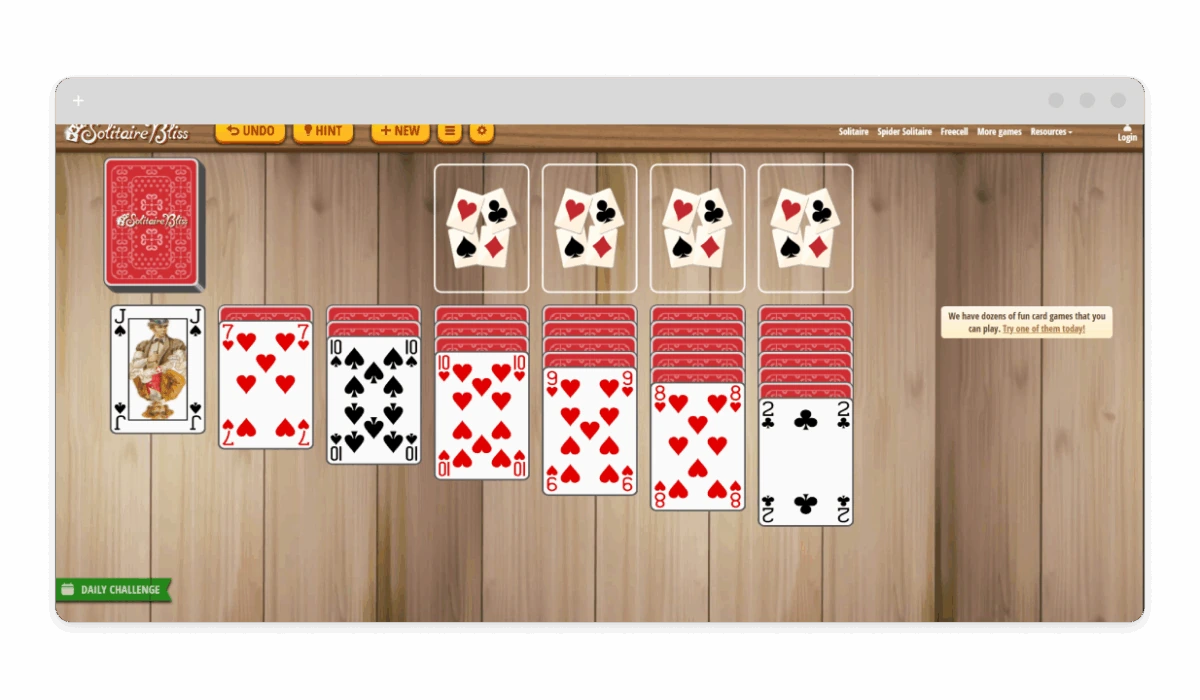
Solitaire Bliss delivers classic Klondike and variants with daily challenges and large cards for easy tapping. It’s ideal for seniors because the oversized tiles and simple drag mechanics accommodate arthritic fingers, while unlimited undos reduce frustration from mistakes, promoting relaxed play that subtly sharpens memory and strategy. The app’s clean layout minimizes visual clutter, making it a soothing choice for short sessions that help maintain cognitive function without overwhelming the user.
- Platforms: iOS, Android
- Store Links: App Store, Google Play
- Ad Status: Premium ($4.99/month) fully ad-free; see ad-free solitaire.
- User Reviews: “Perfect for my 75-year-old mom — no ads, big cards” (4.8 stars, 100K+ reviews). Pros: Undo moves, hints. Cons: Premium for all decks.
Mahjong Solitaire
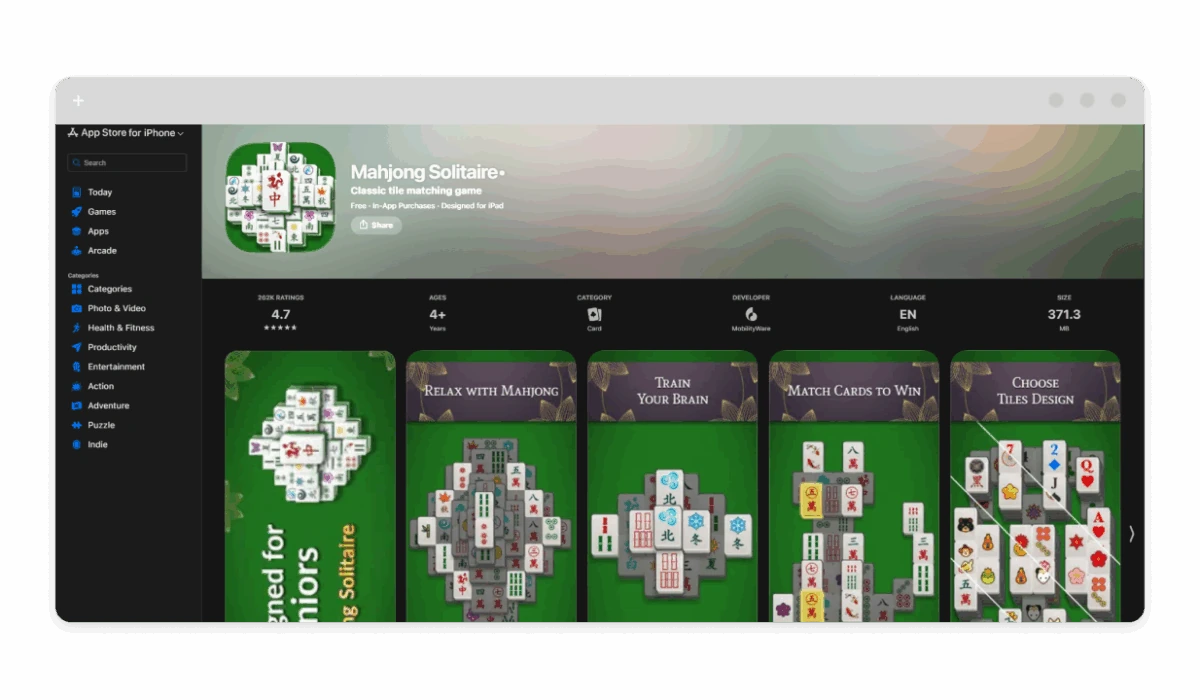
Mahjong Solitaire features relaxing tile-matching with themes like flowers and animals, plus hints for stuck boards. Seniors love it for the therapeutic matching that improves pattern recognition and focus, with adjustable difficulty and large tiles that ease visual strain without overwhelming complexity. The slow-paced gameplay encourages patience and strategic thinking, helping combat cognitive decline while providing a calming activity that can be paused and resumed easily, ideal for those with varying energy levels.
- Platforms: iOS, Android
- Store Links: App Store, Google Play
- Ad Status: One-time purchase ($2.99) ad-free.
- User Reviews: “Great for grandma — calm and no interruptions” (4.7 stars). Pros: Offline, multiple layouts. Cons: Basic graphics.
Word Games
Words With Friends 2
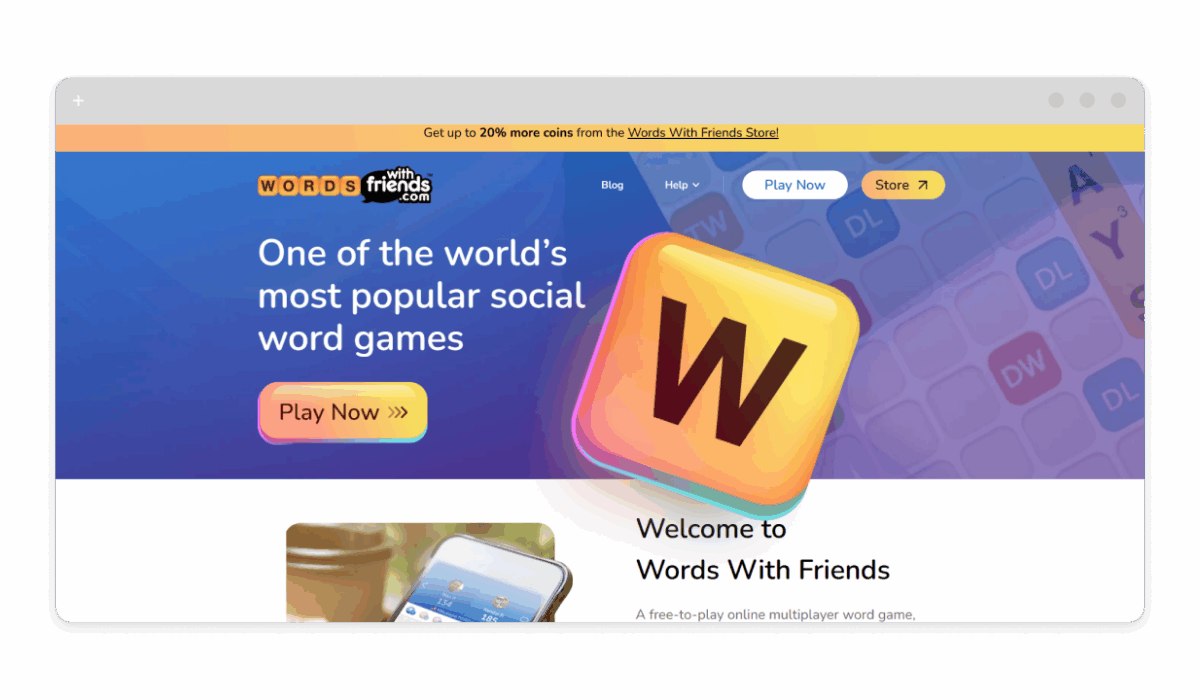
Words With Friends 2 lets seniors play turn-based Scrabble with family, with dictionary checks and chat. Its slow-paced turns suit leisurely play, helping maintain vocabulary and social bonds, while large letter tiles and auto-complete assist those with vision or dexterity challenges. The game fosters mental agility through word-building, reducing isolation by connecting players with loved ones remotely, and its forgiving rules make it accessible for beginners or those with mild cognitive impairments.
- Platforms: iOS, Android
- Store Links: App Store, Google Play
- Ad Status: Premium ($3.99/month) ad-free; links to ad-free Words With Friends.
- User Reviews: “My 80-year-old dad loves competing with grandkids sans ads” (4.6 stars). Pros: Social play, solo modes. Cons: Premium for crosswords.
Wordscapes
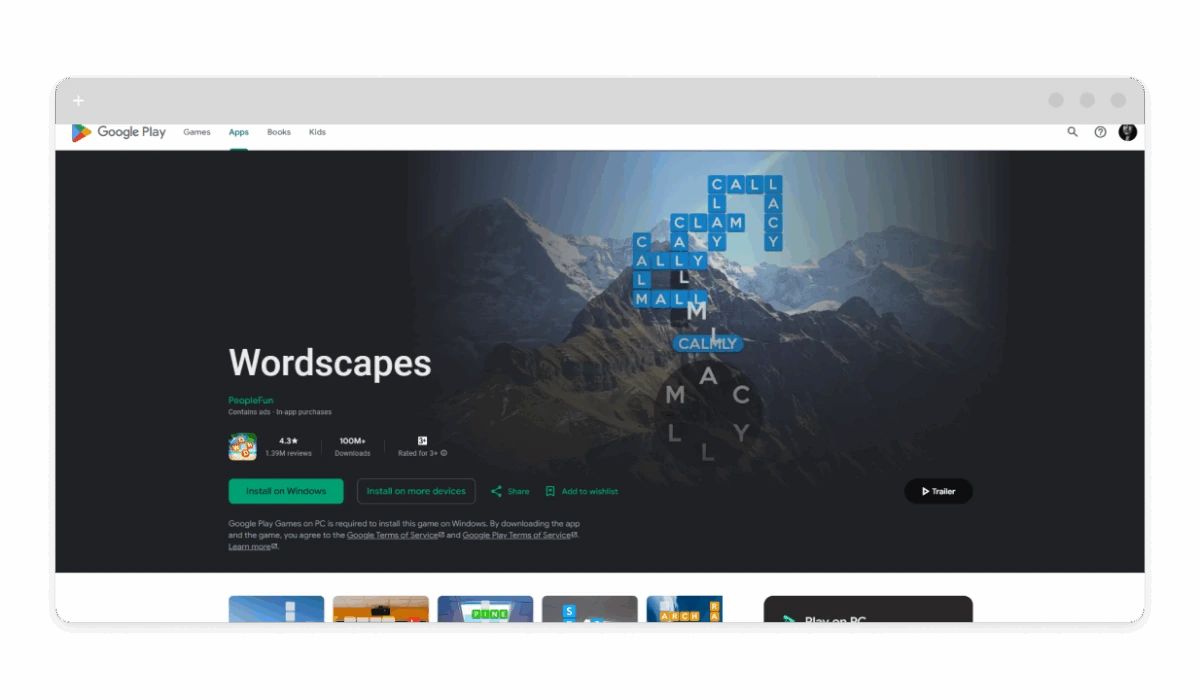
Wordscapes combines word searches with landscapes, building vocabulary through themed puzzles. For seniors, it’s beneficial as the tranquil backgrounds and hint system promote relaxed brain exercise, aiding memory recall and spelling without time pressures. The progressive levels start simple and build gradually, encouraging daily play that supports cognitive maintenance, while the offline mode allows enjoyment in quiet settings like waiting rooms or evenings at home.
- Platforms: iOS, Android
- Store Links: App Store, Google Play
- Ad Status: Premium ($4.99/month) ad-free; see ads on WordScapes.
- User Reviews: “Ideal for seniors — relaxing, no pressure” (4.7 stars, 1M+ reviews). Pros: Daily puzzles, hints. Cons: Energy system.
Scrabble GO
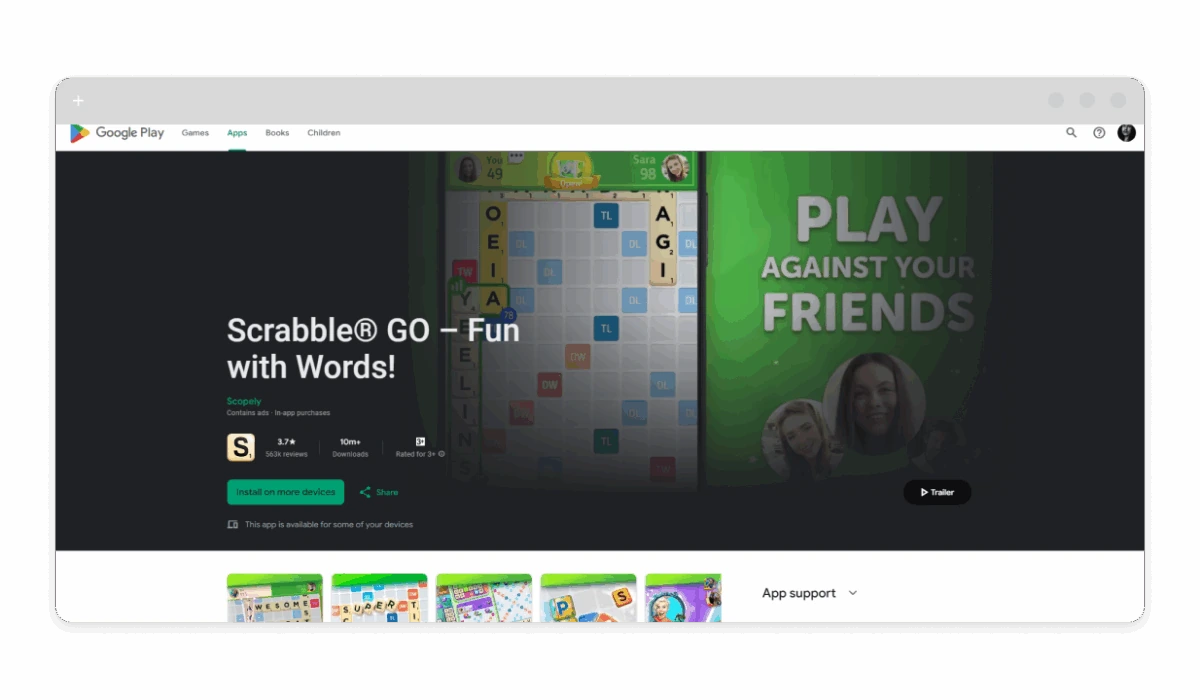
Scrabble GO offers quick word battles or solo practice with power-ups and themes. It’s great for seniors as the adjustable game speed and large board layout support slower processing, while multiplayer options combat loneliness by facilitating games with family. The built-in dictionary helps refresh vocabulary, and the app’s social features encourage light interaction, making it a tool for mental stimulation and emotional connection in later years.
- Platforms: iOS, Android
- Store Links: App Store, Google Play
- Ad Status: Premium ($4.99/month) ad-free; Scrabble without ads.
- User Reviews: “Senior-friendly with big tiles” (4.5 stars). Pros: Multiplayer. Cons: Matchmaking is slow.
Brain Trainers
Lumosity
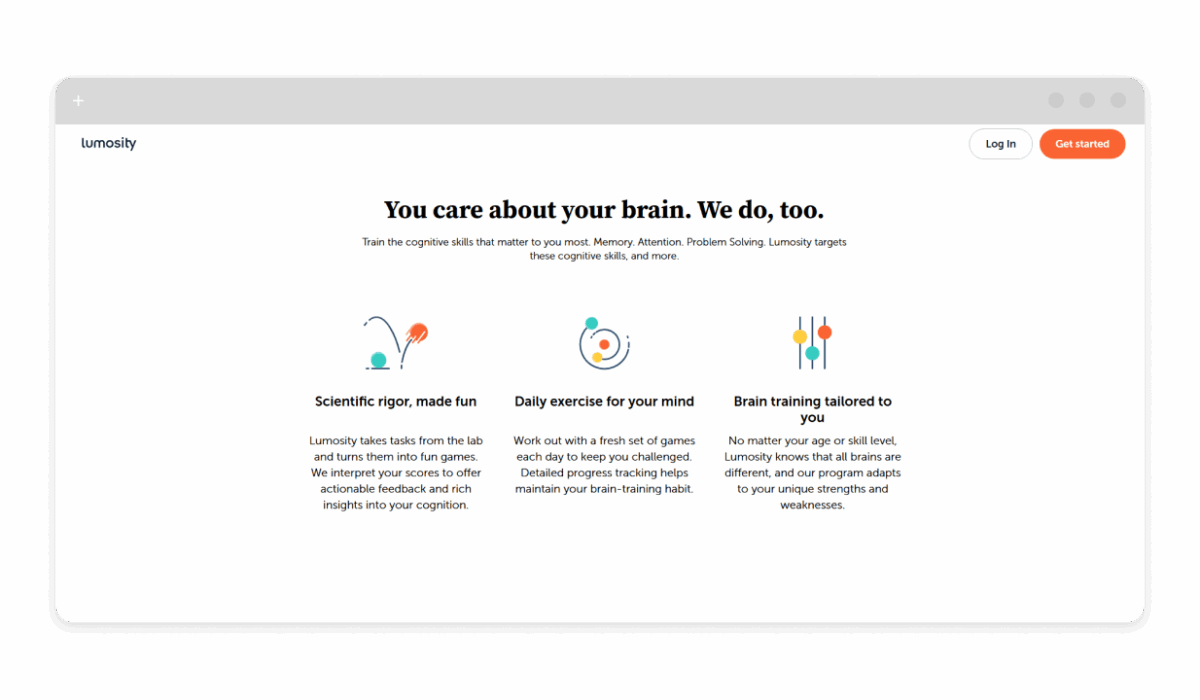
Lumosity trains memory, speed, and flexibility with personalized games and progress tracking. For seniors, it’s excellent as the adaptive difficulty tailors to individual abilities, helping delay cognitive decline through science-backed exercises that target areas like attention and problem-solving. The daily workout format encourages consistent use, with reports showing improvements in daily tasks like remembering names or following recipes.
- Platforms: iOS, Android
- Store Links: App Store, Google Play
- Ad Status: Premium ($11.99/month) ad-free.
- User Reviews: “Helps my 70-year-old focus daily” (4.7 stars). Pros: Science-backed. Cons: Subscription-only.
Elevate
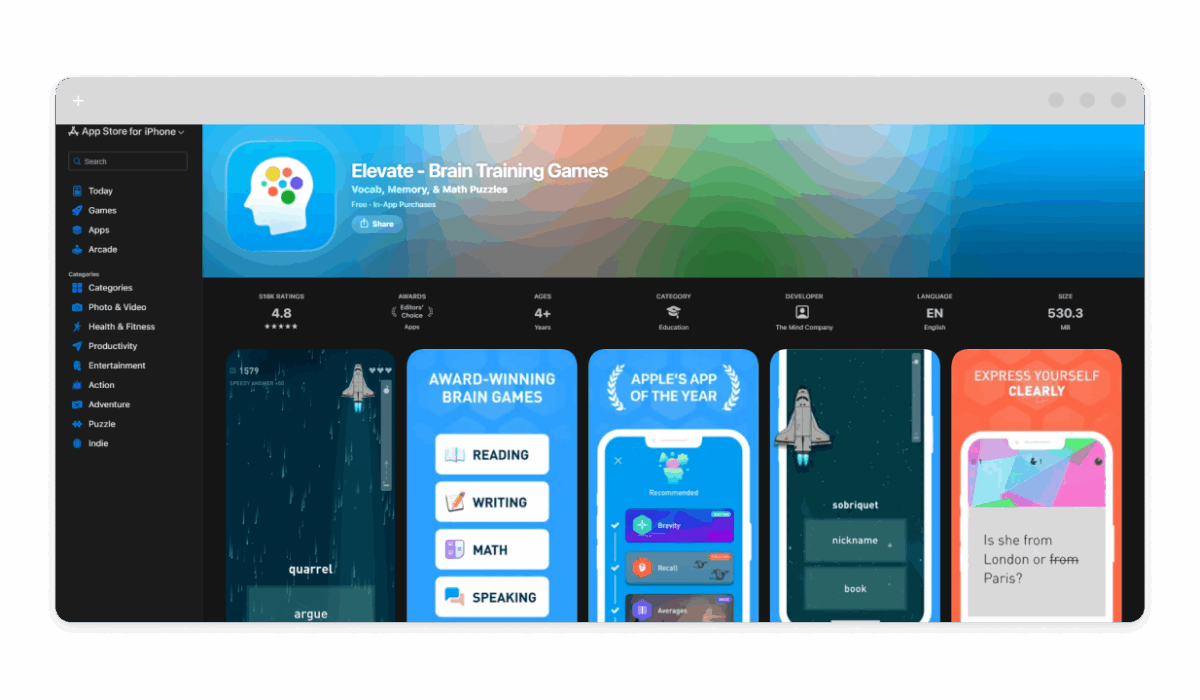
Elevate sharpens reading, math, and speaking with adaptive daily workouts. Seniors benefit from its short, focused sessions that build confidence in everyday skills like calculation or comprehension, with progress graphs motivating continued play. The app’s clear visuals and audio cues make it accessible for those with hearing or vision limitations, supporting independence in tasks like managing finances or reading news.
- Platforms: iOS, Android
- Store Links: App Store, Google Play
- Ad Status: Premium ($4.99/month) ad-free.
- User Reviews: “Keeps grandma’s mind active” (4.8 stars). Pros: Short sessions. Cons: Repetitive.
Peak
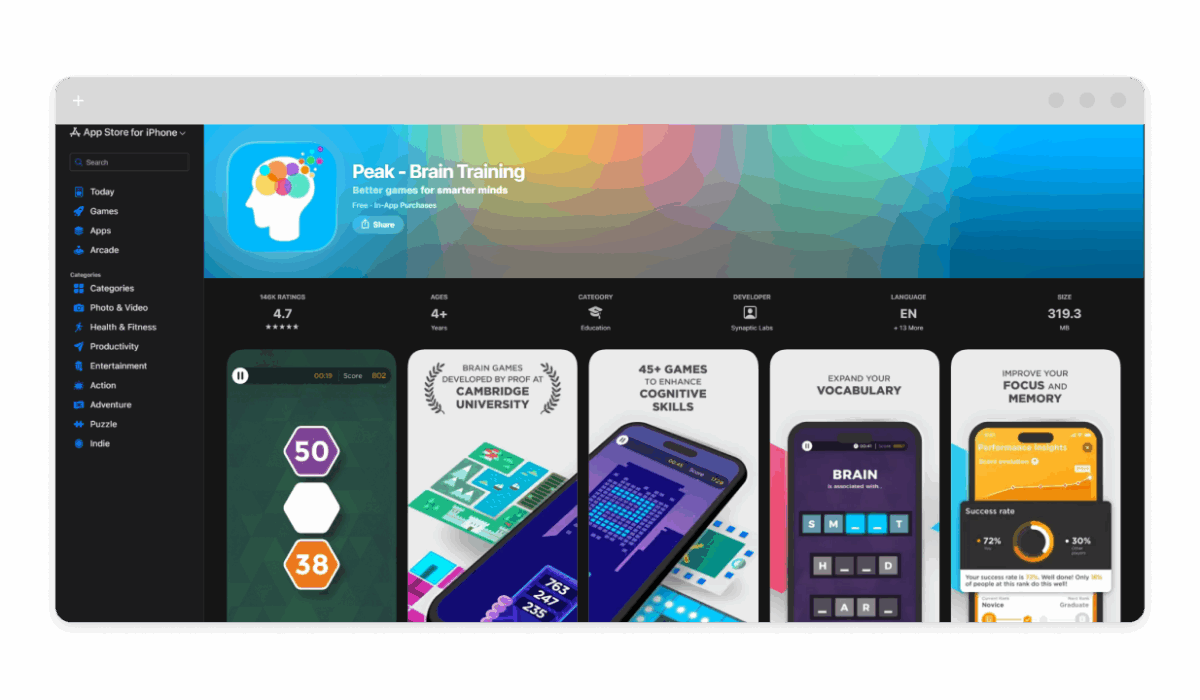
Peak offers mini-games for memory, language, and problem-solving with leaderboards. It’s suited for seniors as the bite-sized challenges fit short attention spans, with exercises backed by neuroscience to improve focus and agility. The app’s gentle progression and reminders encourage regular use, helping maintain mental sharpness for activities like driving or hobbies.
- Platforms: iOS, Android
- Store Links: App Store, Google Play
- Ad Status: Pro ($4.99/month) ad-free.
- User Reviews: “Fun for retirees” (4.6 stars). Pros: Variety. Cons: Pro for full access.
Trivia Crack
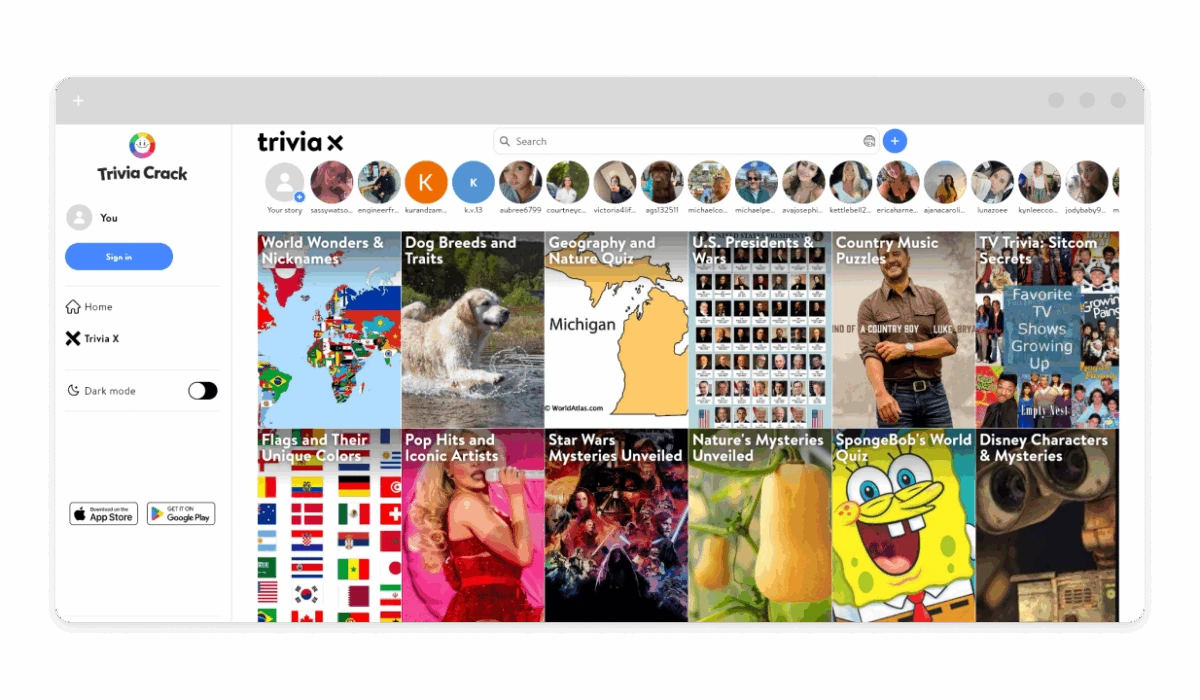
Trivia Crack tests knowledge across categories with multiplayer matches. For seniors, it’s valuable as the trivia stimulates recall of life experiences and facts, while easy modes and hints prevent discouragement. The social aspect connects with friends or family, reducing isolation and providing light mental exercise through fun competition.
- Platforms: iOS, Android
- Store Links: App Store, Google Play
- Ad Status: Premium ($4.99/month) ad-free; ad-free Trivia Crack.
- User Reviews: “Great for senior trivia nights” (4.5 stars). Pros: Social. Cons: Competitive.
Candy Crush Saga
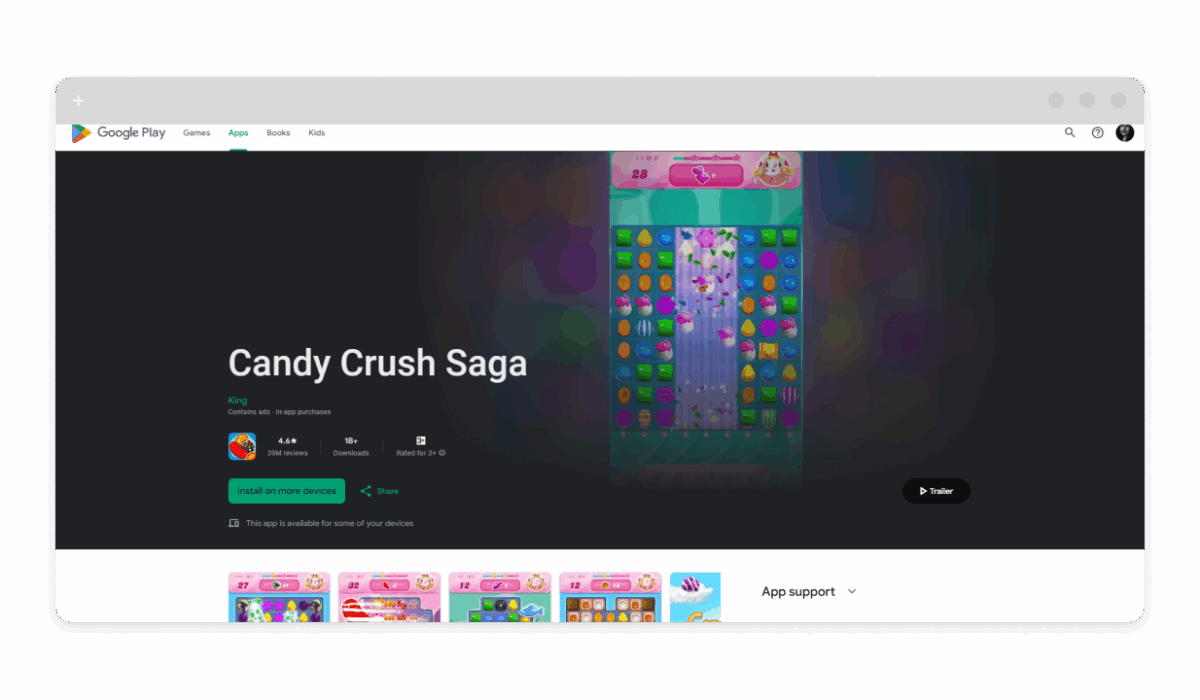
Candy Crush Saga matches sweets in levels with boosters and events. Seniors appreciate its colorful, straightforward matching that improves pattern recognition without time limits in many modes, offering a low-pressure way to exercise hand-eye coordination. The progressive difficulty builds achievement, and offline play allows flexible sessions during downtime.
- Platforms: iOS, Android
- Store Links: App Store, Google Play
- Ad Status: Premium ($4.99/month) ad-free; Candy Crush without ads.
- User Reviews: “Addictive yet simple for 82-year-old” (4.6 stars). Pros: Easy progression. Cons: Lives system.
How to Find More Mobile Games Without Ads
Apple Arcade ($6.99/month) offers 200+ ad-free games with family sharing, perfect for seniors — search “puzzle” for tailored picks. Google Play Pass ($4.99/month) mirrors this on Android, with offline support. Check app descriptions for “no ads” or IAP-free status; avoid “remove ads” purchases. For more, see the best ad-free mobile games or blocking ads on mobile games.
Benefits of Mobile Gaming for the Elderly
Gaming stimulates memory and problem-solving, with studies from NIH showing 20% cognitive improvement in seniors playing puzzles weekly. It aids fine motor skills via taps/swipes, reduces loneliness through multiplayer, and boosts mood via dopamine from wins. Ad-free apps minimize frustration, encouraging longer sessions for sustained benefits.
How to Disable Ads in Any Game or App, Not Just for Seniors
For games with ads, reputable standalone ad blocker software like AdLock blocks them system-wide. See our Android ad blocker or ad blocker on iPhone.
Setting up AdLock is straightforward and works across devices for consistent protection. Start by downloading the app with a free trial, which lets you test the functionality. Once installed, launch the app and toggle on “Ad blocking” mode to enable filtering. Open your app, and see the ad-free interface immediately. If you’re searching for a solution that would work on multiple platforms, AdLock adapts seamlessly, blocking everything from interface ads to embedded commercials. Also, if you were wondering if it’s possible to play ad-free solitaire, then you should check out our article on that topic.
Conclusion
These 10 apps and games for seniors without ads provide safe, engaging play that supports cognitive health. Choose by interest: Words for vocabulary, brain apps for memory. If the app of your interest is not on the list, then just stick with AdLock, as it cleans up ads everywhere by default. Don’t let commercials kill your immersion and zen.

