AdLock for Chrome vs AdLock for Desktop
Block ads beyond Chrome
You already block ads in Chrome. AdLock for Desktop blocks them across your whole computer — in every browser and app.
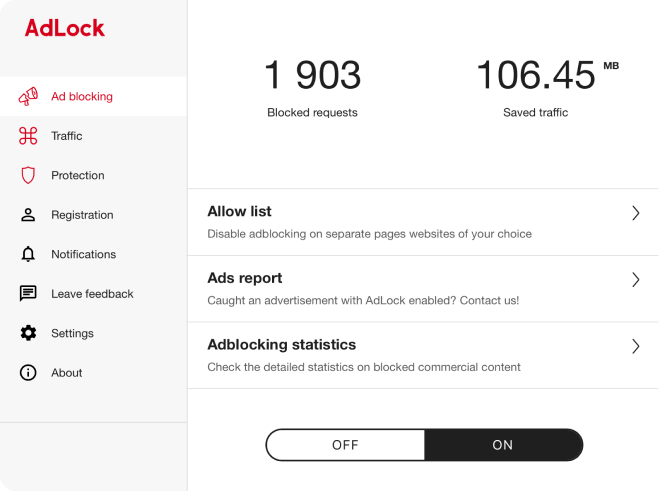
What you get with the app
| AdLock for Chrome | AdLock for Desktop | |
|---|---|---|
| Where it works | Chrome only | Every browser and app on your computer |
| How it filters | Inside the browser, within Chrome’s rule limits | At the system level, no browser limits |
| Ads on websites | ✓ | ✓ |
| Anti-tracking | ✓ | ✓ |
| Ads in desktop apps | — | ✓ |
| Social media tracking | — | ✓ |
| Malicious sites | — | ✓ |
| Betting sites and adult content | — | ✓ |
Why the app can do more
Chrome limits what ad blocker extensions can do: they get a capped number of filtering rules and can’t inspect traffic directly. AdLock for Desktop works at the system level, so these limits don’t apply — and it protects every app on your computer, not just the browser.
Dashed — what the Chrome extension covers today.
Questions
No need to keep it. AdLock for Desktop already blocks ads in Chrome and every other browser, so you can remove the extension after installing the app.
The trial gives you full access to the app, no card needed. When it ends, blocking stops until you choose a plan.
Yes. AdLock is also available for Android and iPhone. See plans for more devices.