How to Block Ads on Wall Street Journal: Website, App & Mobile
The Wall Street Journal delivers some of the best financial journalism out there — but getting through an article without an ad interrupting mid-sentence is another story. This guide covers how to block WSJ ads across every platform: the website on desktop, the Android app, the iOS app, and your browser.
Types of Ads on Wall Street Journal
The Wall Street Journal website, like most news outlets, runs a range of ad formats to monetize its content.
The lineup includes display ads (banners, sidebars, interstitials), native ads (sponsored content and in-article placements), video ads (pre-, mid-, and post-roll), pop-ups, contextual ads, and affiliate placements. They tend to appear right mid-sentence, making it genuinely hard to tell where the journalism ends and the advertising begins.
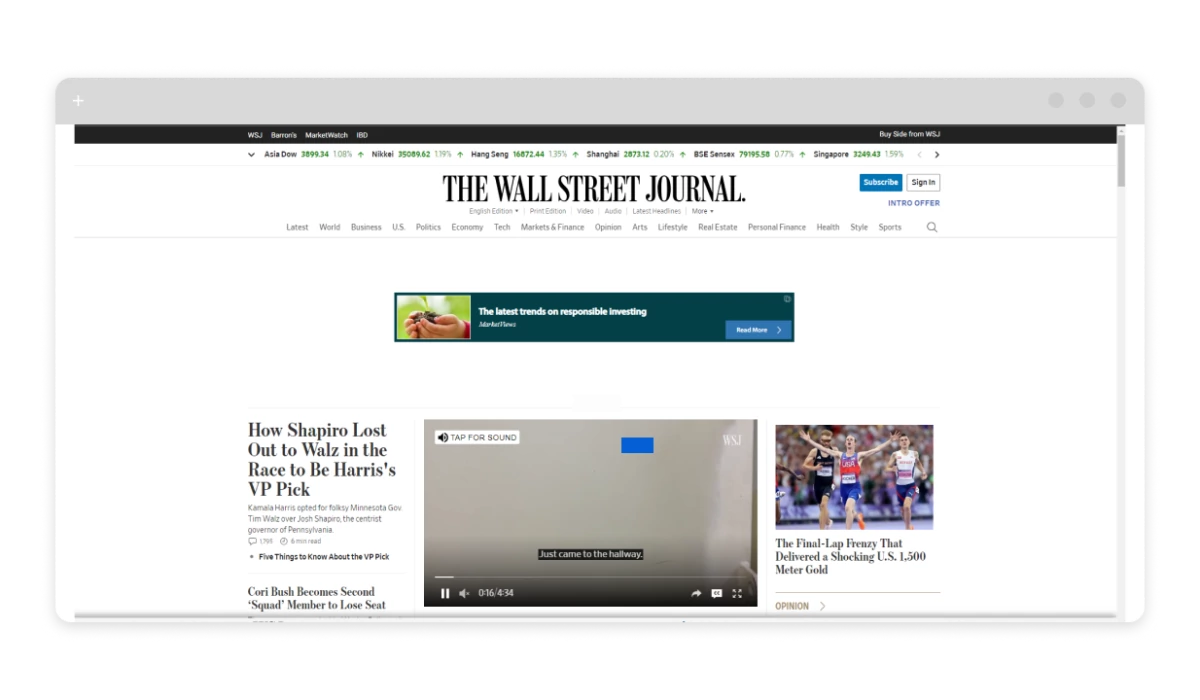
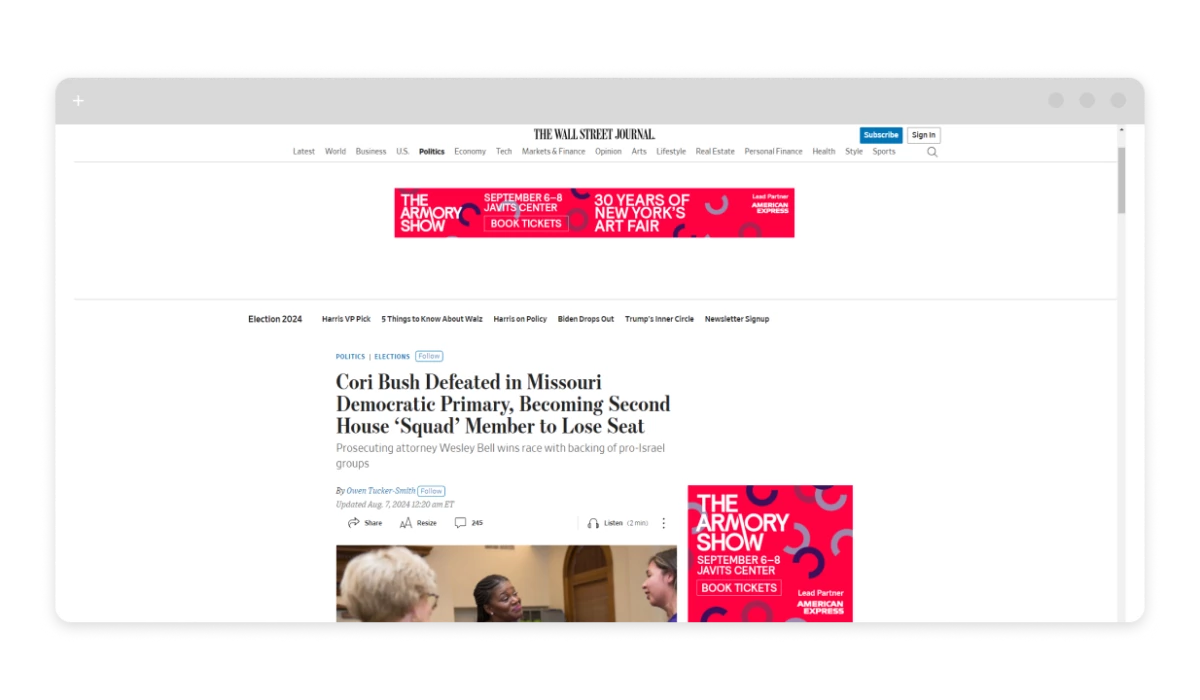
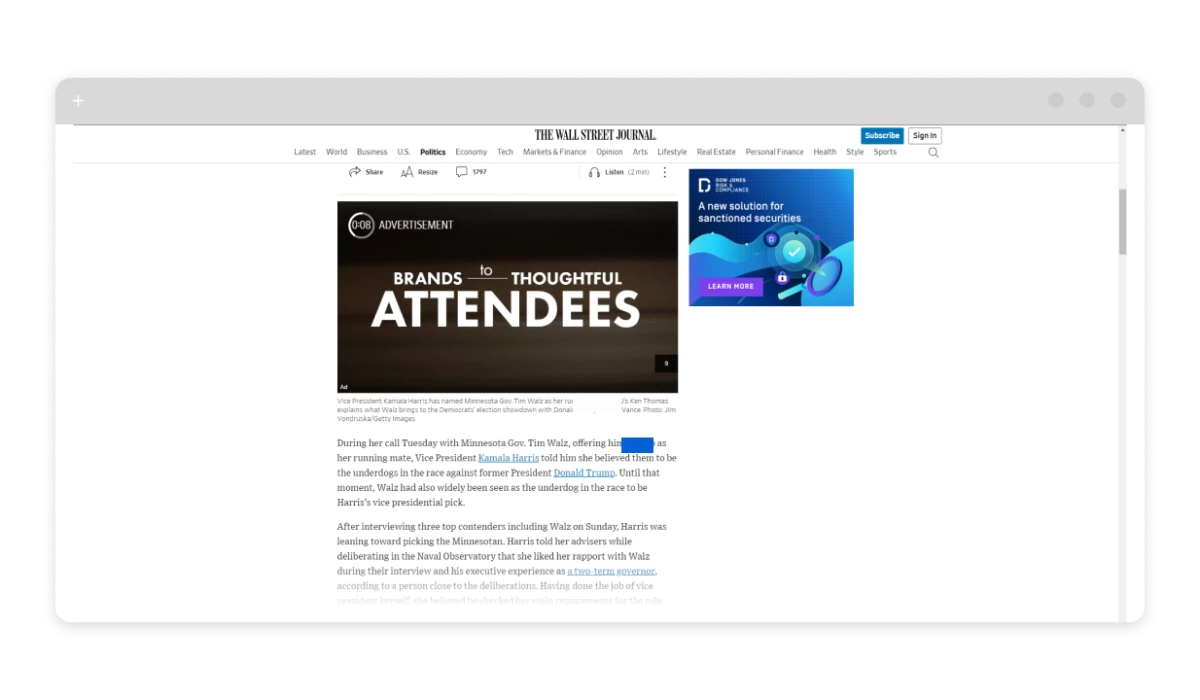
Knowing what types of ads you’re up against helps you pick the right blocking method. Some tools handle display ads only; others block ad requests at the network level before they load. Let’s get into the options.
Use a Wall Street Journal Ad Blocker
The most reliable fix is a dedicated ad blocker. Whether it’s a browser extension handling basic ad filtering or a full application doing network-level blocking, nothing beats purpose-built ad-blocking software for consistency. AdLock falls into the latter category — it intercepts ad requests before they load in your browser or app, rather than trying to hide them after the fact.
Key features that make it work well on the Wall Street Journal: regularly updated filter lists, HTTPS filtering, customizable rules, and system-wide coverage across all browsers and apps simultaneously. Phishing and malware protection is included too.
Step-by-Step Guide to Blocking WSJ Ads with AdLock
1. Download and Install AdLock
For Windows or Mac: Visit the AdLock website, download the installer for your OS, run it, and follow the on-screen steps.
For Android: Go to the AdLock website from your mobile browser, download the APK, open the file, and install it. You’ll need to allow installations from unknown sources in your device settings — AdLock isn’t on Google Play.
2. Configure AdLock
Open AdLock and make sure ad blocking is enabled. Then go to the filter update section and update all filters to pull in the latest blocking rules.
3. Customize If Needed
If specific ads slip through, you can add custom filter rules manually — enter the URL or element selector of the ad in the custom filter section. Enable HTTPS filtering for full coverage on secure sites like wsj.com.
4. Open the Wall Street Journal
Launch your browser, go to wsj.com, and AdLock handles the rest. No ads, no banners, no video pre-rolls.
Troubleshooting
If ads are still showing: confirm AdLock is properly configured and all filters are updated. Restart your browser. If the issue persists, try adding a custom rule for the specific ad element, or contact AdLock support.
How to Block Ads on the Wall Street Journal Website
For desktop browsing, you have two main options with AdLock: the desktop app (Windows or Mac) or the browser extension for Chrome and Edge.
The desktop app works system-wide — it blocks ads across every browser and app on your machine simultaneously. Install it once, configure it, and it runs quietly in the background every time you visit wsj.com.
If you prefer keeping things browser-only, here’s how to install the extension:
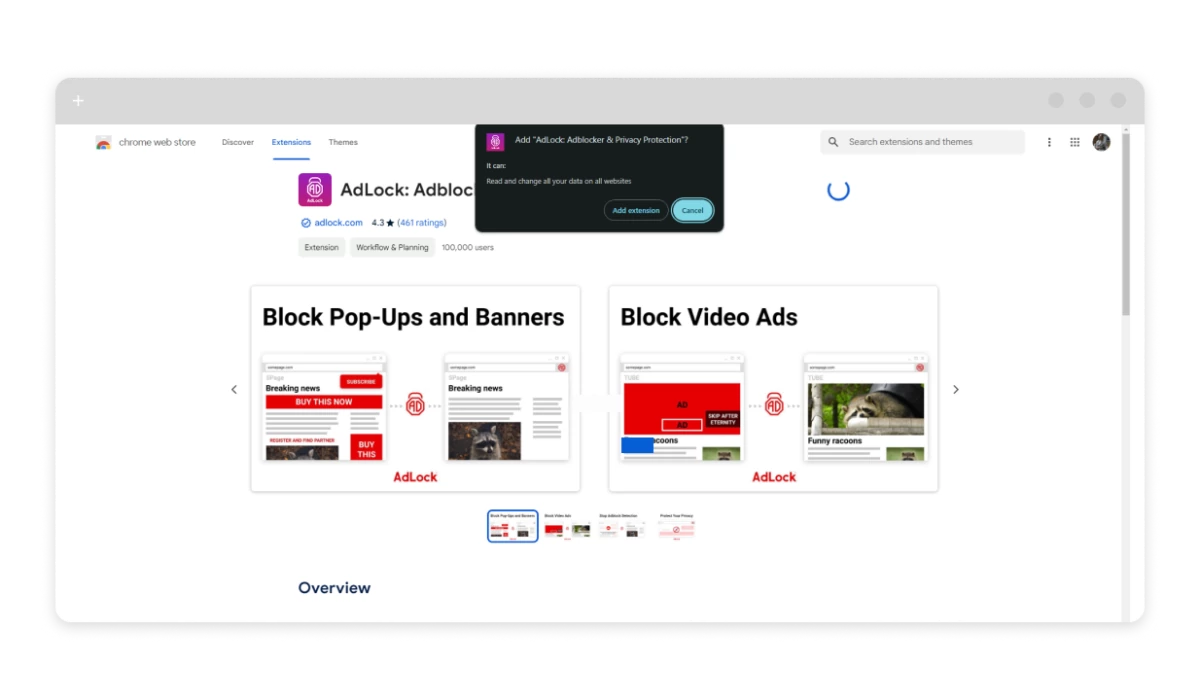
Install the AdLock Extension
For Chrome:
- Open Chrome and go to the Chrome Web Store.
- Search for “AdLock” and open the AdLock for Chrome page.
- Click “Add to Chrome” and confirm.
- Pin the extension to your toolbar and make sure it’s enabled.
For Edge:
- Open Edge and go to the Microsoft Edge Add-ons store.
- Search for “AdLock,” click “Get,” and follow the prompts.
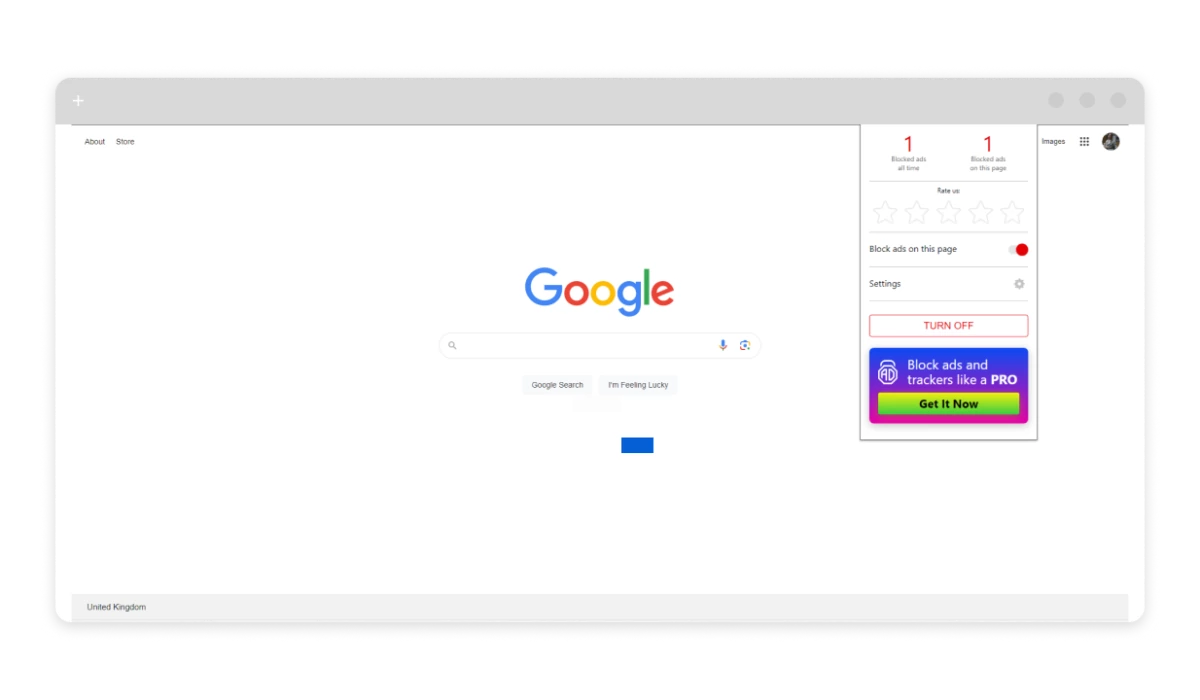
Note: Don’t run multiple ad-blocking extensions simultaneously — they’ll conflict and you’ll end up with worse blocking, not better.
The extension filters ad requests as pages load, which also speeds up rendering — ads that never load don’t slow the page down. WSJ articles open faster, and the layout is cleaner without banner columns eating up screen space.
Remove Ads From the Wall Street Journal App on Android
Reading the WSJ on Android via the app comes with its own ad load. AdLock for Android handles it effectively because it works at the network level — it blocks ad requests from apps, not just browsers. Install it, set it up, and it runs in the background filtering traffic system-wide, including inside the WSJ app.
Get the Android ad blocker directly from the AdLock website. During installation, you’ll need to enable “Install from unknown sources” in your Android settings — AdLock isn’t distributed through Google Play.
If you prefer browser-based access instead of the WSJ app, ad-blocking browsers like Brave or Firefox with uBlock Origin offer decent coverage on wsj.com — though they won’t touch ads inside native apps.
Modifying your device’s hosts file is technically possible but requires root access and carries real security risks. Worth knowing about, not worth recommending for most users.
Remove Ads From the Wall Street Journal App on iOS
On iPhone and iPad, the most effective approach is a dedicated ad-blocking app. AdLock for iOS works as a content blocker integrated with Safari and also filters ad traffic across other apps. Set it up once and it runs quietly in the background.
iOS also supports native content blockers through Safari’s built-in API — there are several options in the App Store. The limitation: they only cover Safari. Ads inside the WSJ app itself won’t be affected by this approach.
VPN services with ad-filtering built in are another option for iOS users. They filter requests before content reaches your device, which can reduce ads in apps. Coverage varies depending on how WSJ serves its ads.
How to Stop Wall Street Journal Pop-ups
WSJ pop-ups fall into two categories: cookie/consent banners and actual ad pop-ups. A good ad blocker handles most of the latter. For consent banners specifically, some ad blockers include filter lists targeting GDPR-style prompts — check whether yours has that option enabled.
Browser-level pop-up blocking is worth enabling regardless. In Chrome, go to chrome://settings/content/popups and set it to blocked. In Firefox: Settings → Privacy & Security → Block pop-up windows. In Edge: Settings → Cookies and site permissions → Pop-ups and redirects.
On mobile, AdLock for Android and iOS handles pop-up blocking as part of its standard filtering. If pop-ups persist after that, clearing your browser cache and cookies can help — some are triggered by stored session data from previous visits to the site.
Conclusion
Blocking ads on the Wall Street Journal comes down to picking the right tool for your platform. On desktop, AdLock’s system-wide app or the browser extension both get the job done. On Android, the APK install gives you network-level blocking that covers both browsers and the WSJ app. On iOS, AdLock handles Safari and can extend to other apps through its network-level filtering.
Try AdLock free for 14 days — no ads on WSJ, no pop-ups, just the articles.
Frequently Asked Questions
Does the Wall Street Journal show ads even with a subscription?
Yes. A WSJ subscription removes the paywall but doesn’t remove ads. Display ads, sponsored content, and video pre-rolls continue to appear for paying subscribers.
Can I block WSJ ads without installing software?
Partially. Browser-level pop-up blocking built into Chrome, Firefox, and Edge will catch some pop-ups. DNS-based filtering via a service like NextDNS can block many ad requests without any app installation. For consistent coverage across video ads, native placements, and in-app ads, a dedicated ad blocker gives better results.
Why does WSJ detect my ad blocker?
Some news sites run scripts that check whether an ad slot loaded successfully. If it didn’t, they show a message asking you to disable your blocker. Network-level blocking is generally harder to detect than browser extension-based blocking because the ad request never reaches the browser at all.
Does blocking WSJ ads work inside the mobile app?
It depends on the tool. Browser extensions only work in browsers — they can’t filter traffic inside the WSJ app. Network-level ad blockers like AdLock for Android block ad requests across all apps, including the WSJ app, which makes them more effective for mobile users.
How do I block WSJ pop-ups on iPhone?
Use a content blocker integrated with Safari, or an app that filters traffic at the network level. You can also enable Safari’s built-in pop-up blocking under Settings → Safari → Block Pop-ups.
Is it legal to block ads on the Wall Street Journal?
Yes — using an ad blocker is legal. You’re controlling what your device downloads, which isn’t a legal violation. WSJ’s terms of service may have language about ad blockers, but that’s a contractual issue, not a legal one.