How to Block Ads on The Guardian (Website and App)
Reading The Guardian without ads is straightforward with the right tool. The site serves banner ads, in-text ads, auto-playing videos, and donation pop-ups throughout every article page — AdLock blocks them at the network level before they reach your screen, across browsers and the mobile app alike.
Here’s how to set it up on each platform.
Types of Ads on The Guardian
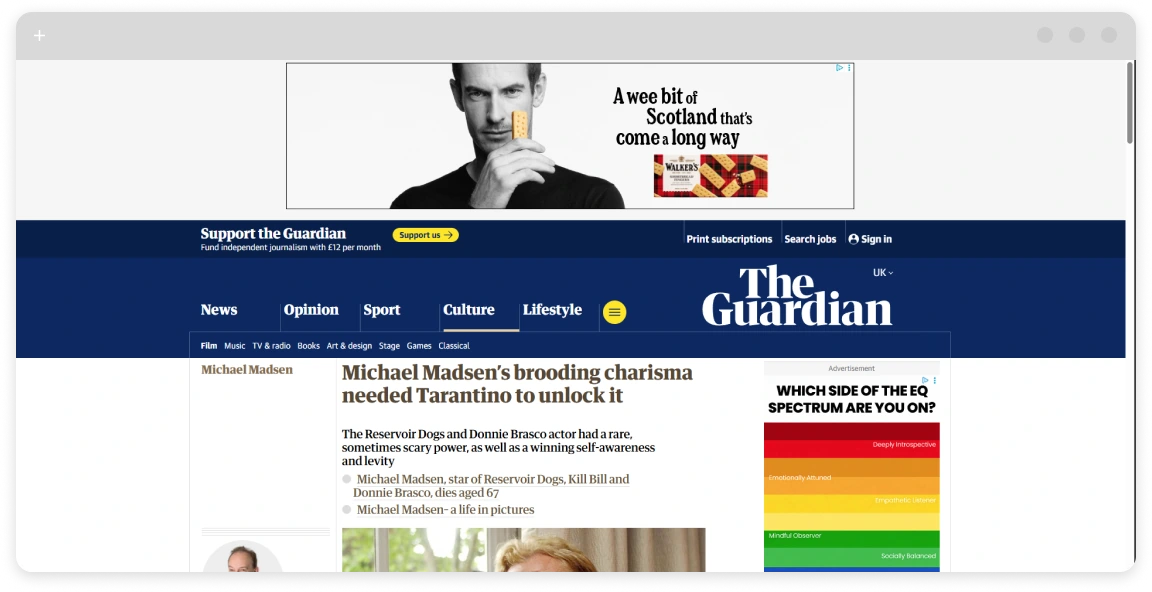
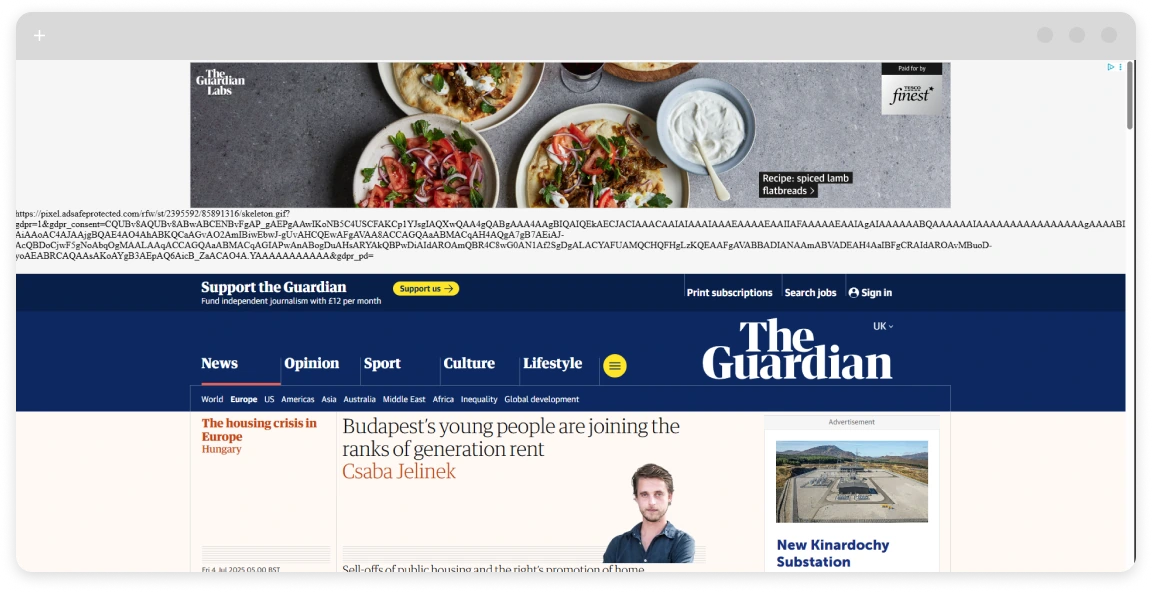
The Guardian relies on advertising to fund its journalism. The trade-off for readers is a heavy ad load. On a typical article page you’ll encounter:
- Banner ads at the top, bottom, and sides of articles
- In-text ads breaking up paragraphs mid-read
- Auto-playing video ads in the sidebar
- Full-screen donation pop-ups and newsletter overlays
- Subscription prompts urging you to support independent journalism
Some of these — particularly the donation overlays — are harder for basic browser extensions to suppress because they’re triggered by JavaScript rather than loaded as standard ad calls. A network-level blocker handles all of them in one pass.
Use The Guardian Ad Blocker: AdLock
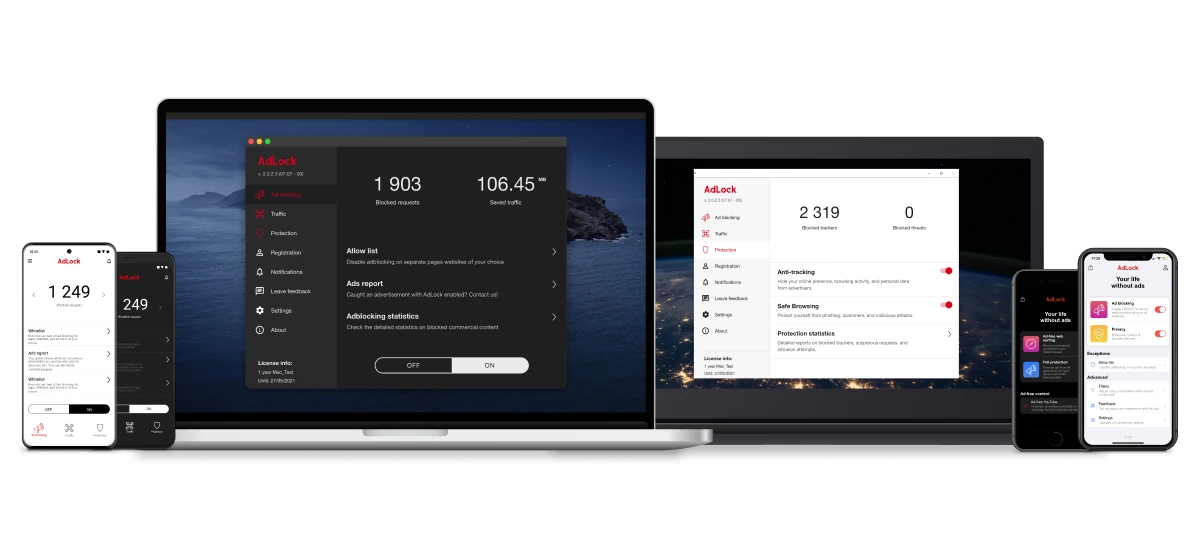
AdLock blocks ads in browsers and inside apps — not just web banners, but also the JavaScript-based pop-ups and video ads that simpler tools miss. The standalone app works at the network/DNS level, covering every browser and app on the device without per-browser setup. Free extensions for Chrome and Safari are available if you only need browser-level filtering on the desktop.
Basic setup on any platform:
- Download AdLock from the official website or the relevant app store for your platform.
- Install and open it, then follow the on-screen setup.
- Ad blocking activates automatically — no per-site configuration needed for The Guardian.
- Open The Guardian and the difference is immediate: no banners, no pop-ups, no donation overlays.
The sections below cover each platform in detail.
Read also:
How to Block Ads on The Guardian Website
On Google Chrome
The AdLock Chrome extension is free and installs in under a minute:
- Go to the Chrome Web Store and search for “AdLock.”
- Click Add to Chrome and confirm.
- Pin the AdLock icon to your toolbar and open it.
- Ad-blocking filters are on by default — no extra configuration.
- Open The Guardian. Banners, in-text ads, and video ads won’t load.
One caveat: Chrome extensions operate under Manifest V3 rules, which limits certain real-time filtering capabilities. For full coverage — especially for in-app ads on mobile — the standalone AdLock app is the stronger option.
On Safari (Mac)
If you read The Guardian in Safari on a Mac, the AdLock Safari extension handles it:
- Get AdLock from the Mac App Store (search “AdLock”).
- Open Safari, go to Safari → Settings → Extensions, and enable AdLock.
- Visit The Guardian — ads are filtered at the content-blocker level before they render on the page.
Remove Ads From The Guardian App on Android
The Guardian’s Android app runs its own ad stack, which browser extensions can’t reach. The AdLock Android app blocks ads at the system level, so they’re filtered before any app receives them — including The Guardian app.
- Install AdLock from Google Play (search AdLock: Adblocker & Privacy) or download the APK directly from the AdLock website if you prefer a manual install.
- Open AdLock and grant the requested permissions.
- Enable system-wide ad blocking.
- Launch The Guardian app — banner ads, in-app pop-ups, and donation prompts are gone.
System-wide filtering means every other app on your phone gets the same treatment simultaneously: news aggregators, social media, games — all covered from a single install.
Get Rid of Ads From The Guardian App on iOS
iOS handles ad blocking differently from Android, but the end result is the same. AdLock for iPhone and iPad uses DNS-based filtering to cut off ads before they load, across Safari and inside apps including The Guardian.
- Install AdLock from the App Store.
- Follow the setup guide to configure DNS ad blocking — AdLock walks you through it step by step.
- For The Guardian in Safari specifically, go to Settings → Safari → Extensions and enable AdLock as a content blocker.
- Open The Guardian in Safari or in the app — clean reading, no interruptions.
The DNS layer covers The Guardian app; the Safari content blocker covers the website. Both can run together on the same device.
How to Stop The Guardian Pop-Ups
The Guardian’s full-screen donation pop-ups and newsletter overlays are the most disruptive part of the reading experience. They’re triggered by JavaScript, which is why a basic browser ad blocker sometimes fails to suppress them — it blocks ad calls but doesn’t always intercept overlay scripts.
AdLock blocks the scripts responsible for these overlays at the network level, so they never load. You won’t see the overlay, and you won’t need to manually close anything. On desktop this works in Chrome and Safari; on Android it works across the browser and The Guardian app; on iOS the DNS layer handles the same job.
Frequently Asked Questions
Does The Guardian detect ad blockers?
The Guardian displays a soft message asking readers to consider supporting the site or disabling their ad blocker. It is not a hard paywall — the article content remains accessible either way. With AdLock’s network-level blocking active, this prompt is typically suppressed along with the rest of the ad scripts, so you won’t see it.
Will blocking ads break The Guardian website?
No. Articles, embedded videos, and navigation all load normally. Blocking ads removes the ad content; it doesn’t interfere with editorial content or site functionality.
Is there a free way to block Guardian ads?
Yes. AdLock’s Chrome extension and Safari extension are free and block Guardian ads in those browsers. To also cover ads inside The Guardian mobile app, you need the AdLock standalone app for Android or iOS, which includes a free trial period.
Can I block Guardian ads on mobile without installing an app?
Not reliably. Mobile browsers have limited or no extension support, and in-app ads are completely outside a browser extension’s reach. A system-level tool like AdLock is the only consistent way to remove ads from both The Guardian’s website and its mobile app on the same device.
Final Thoughts
The Guardian is worth reading — the ad load isn’t worth tolerating. AdLock removes it cleanly on every platform: Chrome, Safari, Android, and iOS. The standalone app gives the most complete coverage, including in-app ads and pop-up overlays; the free browser extensions handle the website if that’s all you need.
Install AdLock on whichever device you use most, and The Guardian becomes what it should be — a fast, clean news source without interruptions.

Latest news

How to Get Rid of Ads on WEBTOON (Android, iPhone & Desktop)

How to Get Rid of Ads on Life360 (Android & iPhone)
How to Turn Off Ads on OnePlus (OxygenOS) — Full Guide
How to Get Rid of Ads on a Samsung Phone (One UI) in 2026

Government Spyware Is Now Delivered Through Online Ads