How to Get Rid of Ads on WEBTOON (Android, iPhone & Desktop)
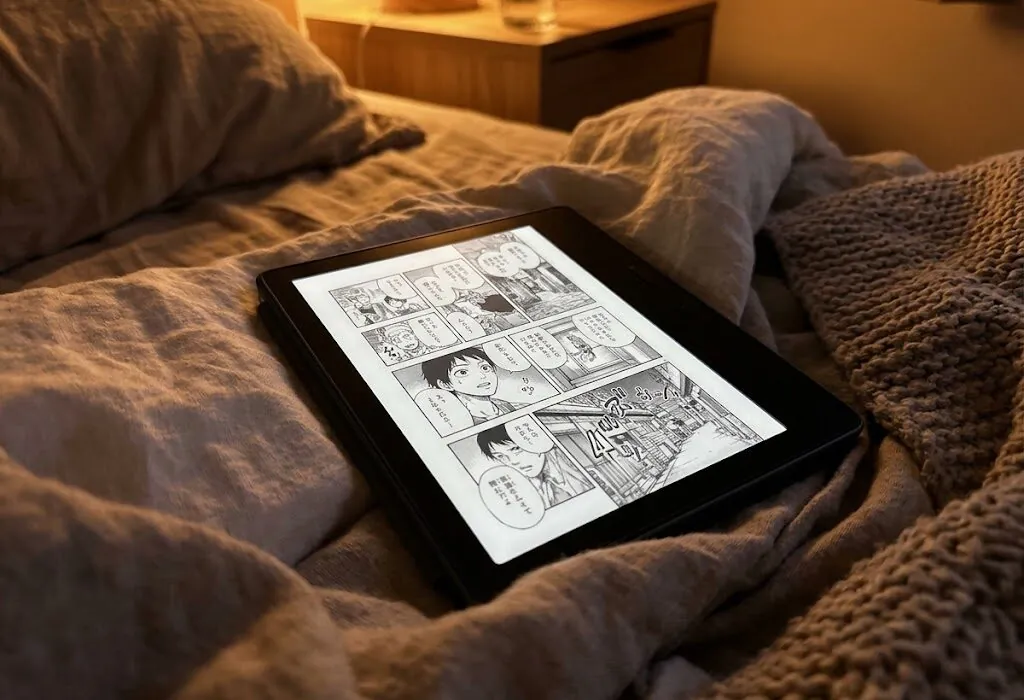
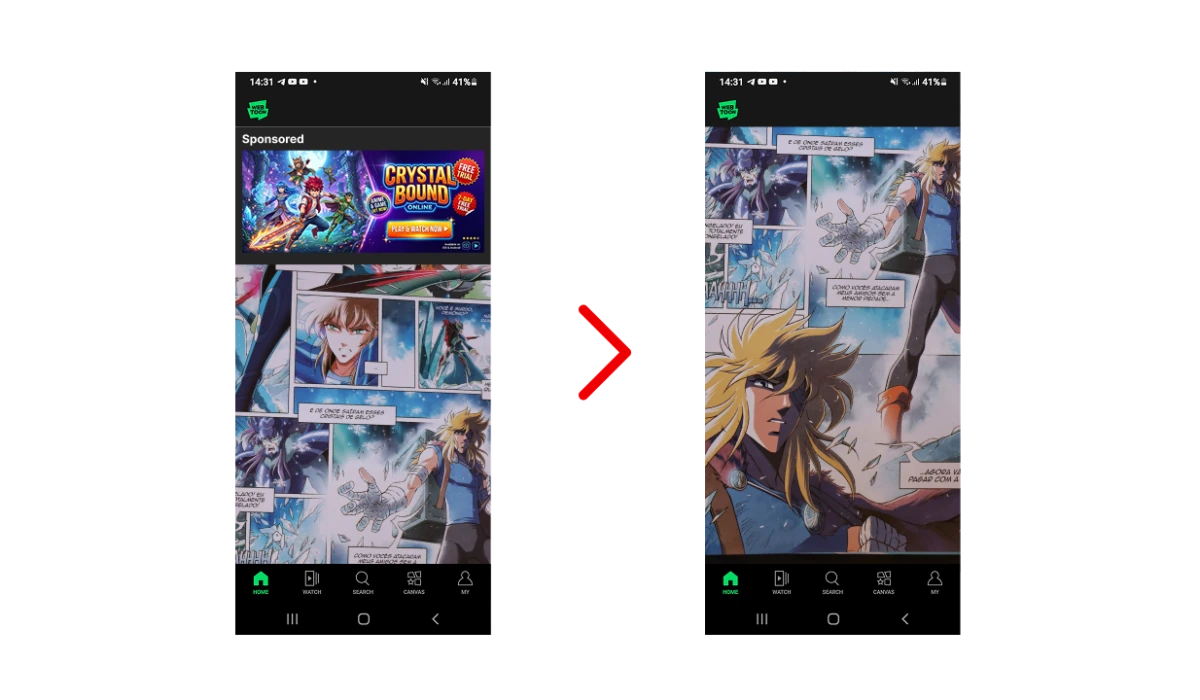
WEBTOON is the biggest home for vertical-scroll comics, and it’s free — which means ads. A banner pinned to the bottom of an episode, a full-screen spot between chapters, and prompts to watch an ad in exchange for unlocking the next part. If you read a few series a day, the interruptions add up fast.
Read WEBTOON without the ad breaks — AdLock clears banner and video ads in the app.
Here’s how to cut the WEBTOON ads down to almost nothing — on Android, iPhone and iPad, and desktop — plus an honest look at the one thing an ad blocker can’t do. A good ad blocker handles most of it automatically.
- Does WEBTOON Have Ads?
- What Kind of Ads You See on WEBTOON
- How to Block Ads on WEBTOON on Android
- How to Block Ads on WEBTOON on iPhone & iPad
- How to Read WEBTOON Without Ads on Desktop
- A Note on “Watch an Ad to Unlock” Episodes
- Why Use AdLock as Your WEBTOON Ad Blocker
- Final Thoughts
- Frequently Asked Questions
Contents
- Does WEBTOON Have Ads?
- What Kind of Ads You See on WEBTOON
- How to Block Ads on WEBTOON on Android
- How to Block Ads on WEBTOON on iPhone & iPad
- How to Read WEBTOON Without Ads on Desktop
- A Note on “Watch an Ad to Unlock” Episodes
- Why Use AdLock as Your WEBTOON Ad Blocker
- Final Thoughts
- Frequently Asked Questions
Does WEBTOON Have Ads?
Yes. WEBTOON runs on a free, ad-supported model: you can read most series without paying, and ads cover the cost. On top of display ads, the platform sells Coins that unlock early or premium chapters, and since its 2024 IPO the monetization has grown more aggressive. In May 2025 the old Daily Pass was retired, leaving two ways to read beyond the free weekly unlock — spend Coins, or watch an ad to unlock select episodes.
So there’s no single “turn off all ads” switch and no blanket ad-free subscription. What you can do is block the display and video ads that interrupt your reading, which is most of what makes WEBTOON feel cluttered.
What Kind of Ads You See on WEBTOON
Not every WEBTOON ad works the same way, and that matters for what a blocker can clear:
- Banner ads: the strip pinned to the bottom of the screen while you read an episode.
- Interstitial / video ads: full-screen spots that appear between chapters or when you open the app.
- Reward (“Ad Pass”) ads: optional videos you choose to watch to unlock a locked episode for a few days.
- Offerwall ads: branded quizzes and offers that hand back Coins in exchange for engagement.
The first two are pure interruptions — an ad blocker clears those. The last two are opt-in mechanics tied to unlocking paid content, which works differently (more on that below).
How to Block Ads on WEBTOON on Android
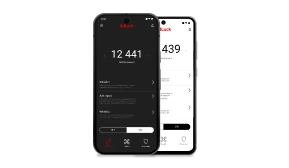
Most people read WEBTOON on their phone, and Android gives you the most complete fix. AdLock for Android runs as a local VPN and filters ad traffic from every app on the device, the WEBTOON app included — so the banner and video ads are gone without touching how you read.
- Install AdLock from Google Play (search AdLock: Adblocker & Privacy) or from adlock.com
- Allow the VPN connection when Android asks
- Add the CA certificate for HTTPS filtering — the app walks you through it
- Activate your license
- Open WEBTOON — the banner and between-chapter ads are filtered out
Because it works at the system level, the same setup also clears ads in your other apps and your mobile browser.
How to Block Ads on WEBTOON on iPhone & iPad
On iOS the picture is different, and it’s worth being straight about it. Apple sandboxes apps, so a content blocker can’t reach inside the native WEBTOON app the way it can on Android. What works well is reading WEBTOON on the web through Safari with AdLock for iPhone enabled — this applies to both iPhone and iPad.
Install AdLock from the App Store, switch it on under Settings > Safari > Content Blockers, then open webtoons.com in Safari. The banner and display ads are filtered as the page loads. For the native app itself, iOS simply offers less room for in-app filtering than Android does.
How to Read WEBTOON Without Ads on Desktop
Reading on a computer at webtoons.com? A browser ad blocker is the simplest route. The ad blocker for Chrome clears WEBTOON’s banner and display ads after a one-click install, and AdLock’s extension works the same way in Firefox. On a Mac, you can also use AdLock in Safari with its extension enabled.
A Note on “Watch an Ad to Unlock” Episodes
One honest caveat. WEBTOON’s Ad Pass — where you watch a video to unlock a locked chapter — isn’t an interruption you can block your way around. It’s an opt-in trade: your attention for access to paid content. An ad blocker removes the ads that interrupt free reading; it won’t unlock Fast Pass or paid chapters for free, and we won’t pretend it does. For those, your options stay what they always were: wait for the free release, watch the Ad Pass, or spend Coins.
Why Use AdLock as Your WEBTOON Ad Blocker
Plenty of blockers clear a banner here and there but miss the full-screen video spots between chapters. AdLock filters both, including the autoplay video ads that lighter tools let through.
Because it filters at the network and JavaScript level rather than as a browser add-on, the Manifest V3 changes that weakened many extension-based blockers didn’t affect it — and on Android it reaches inside the app, not just the browser. Fewer ad elements loading also means the app feels quicker and uses less mobile data.
And none of this is WEBTOON-only — one AdLock install clears ads across your other apps, games, and sites on the same device.
Read WEBTOON without the ad breaks — AdLock clears banner and video ads in the app.
Final Thoughts
Here’s the short version by device:
- Android: AdLock for Android — the most complete fix, clears ads inside the app itself
- iPhone / iPad: AdLock content blockers, reading WEBTOON on the web in Safari
- Desktop: the AdLock browser extension for Chrome, Firefox, or Safari
Clear those and WEBTOON goes back to being what it should be — just you and the comic. Keep in mind the reward ads tied to unlocking paid chapters are a separate, opt-in thing, not something a blocker removes.
Ready to read without the interruptions? Get AdLock and enjoy WEBTOON ad-free.
Frequently Asked Questions
Yes — WEBTOON is free and ad-supported, with banner ads during episodes and full-screen ads between chapters. There’s no blanket ad-free subscription, but an ad blocker clears the display and video ads.
Largely, yes — on Android, AdLock filters the in-app banner and video ads at no cost to your reading. On iPhone and desktop, reading on the web with an ad blocker gets you most of the way there.
No. An ad blocker removes the ads that interrupt free reading. It doesn’t unlock Coin-locked or Fast Pass chapters — those still need Coins, the free weekly release, or WEBTOON’s Ad Pass.
Install AdLock for Android, grant the VPN permission, add the CA certificate, and activate it. It filters the WEBTOON app’s banner and between-chapter ads system-wide.
Enable AdLock’s content blockers under Settings > Safari > Content Blockers and read WEBTOON on the web at webtoons.com in Safari. Apple’s sandbox limits in-app filtering, so the web route is the cleanest on iOS.

Latest news

How to Get Rid of Ads on Life360 (Android & iPhone)
How to Turn Off Ads on OnePlus (OxygenOS) — Full Guide
How to Get Rid of Ads on a Samsung Phone (One UI) in 2026

Government Spyware Is Now Delivered Through Online Ads

How to Block Annoying Ads on Business Insider Once and For All